Table of Contents
Free Printable Christmas Postcard Templates – Make it easy to send a short, personal holiday greeting without starting with a blank page. Download the four original US Letter sheets below for decorated postcard fronts, writing and address backs, coloring cards, and larger vintage-style notes. Each WebP file is a full-page printable image, so you can save the sheet you want, print a test copy, and cut out the card panels. These designs work especially well for family greetings, classroom projects, gift enclosures, and hand-delivered Christmas notes.
Free Printable Christmas Postcard Templates
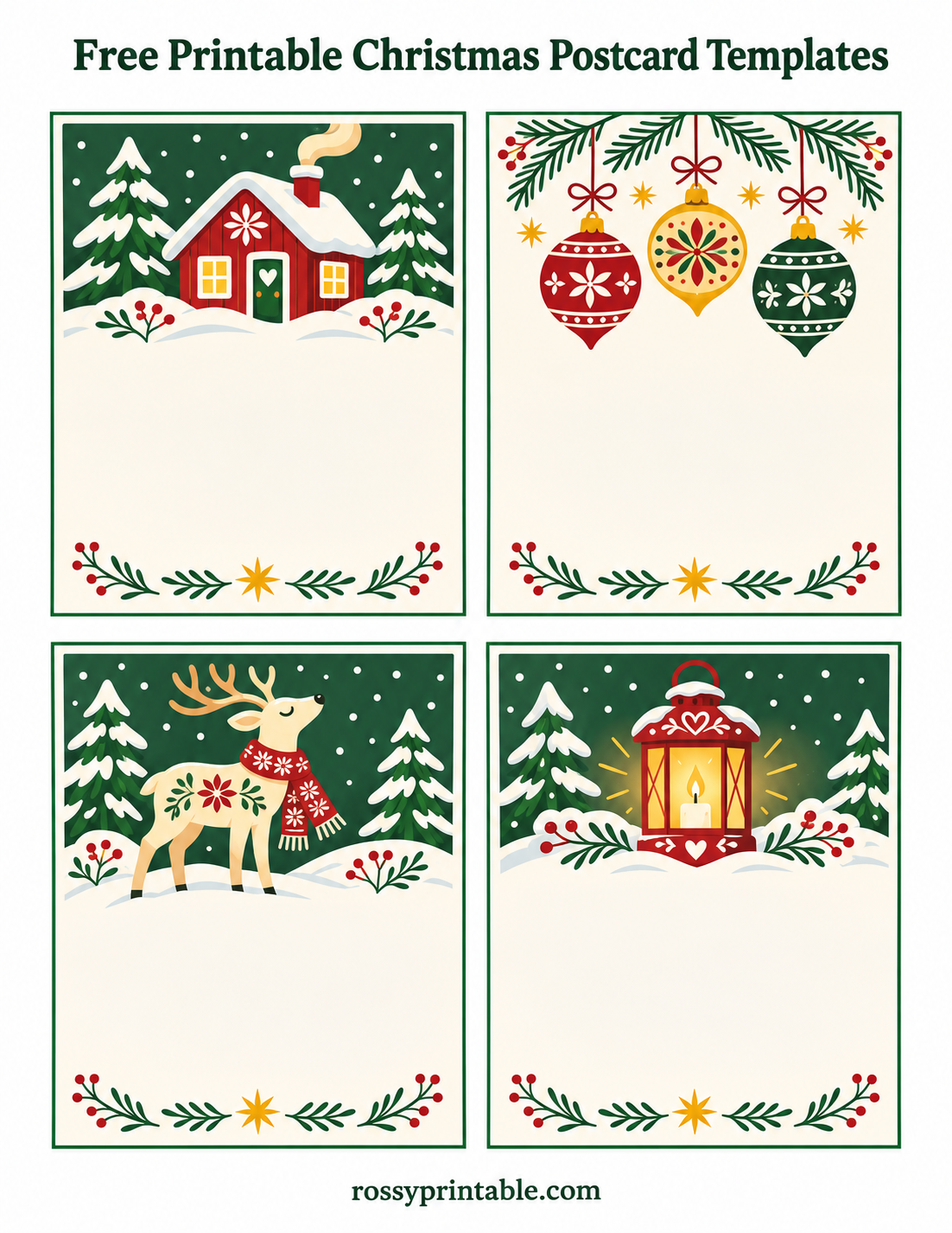
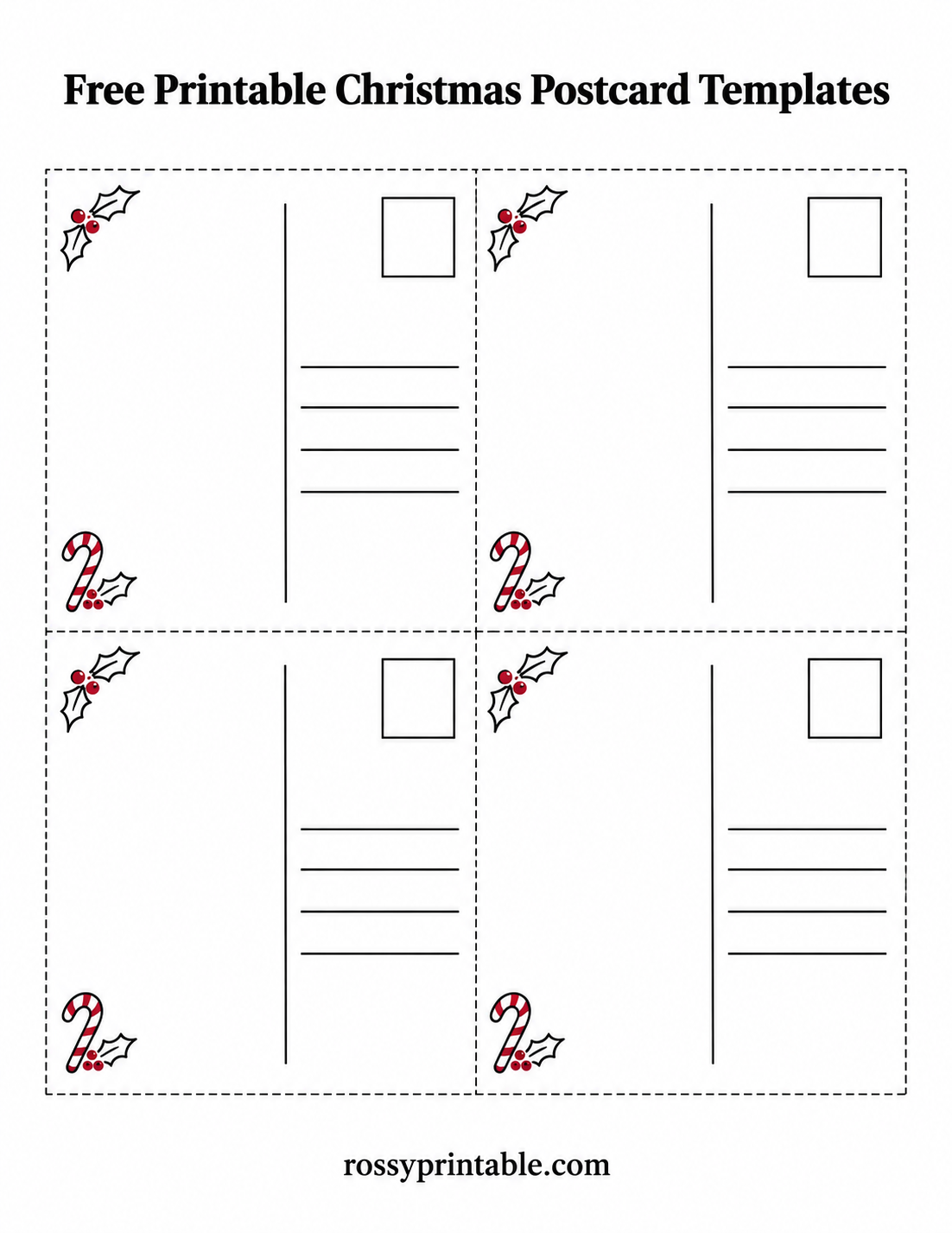
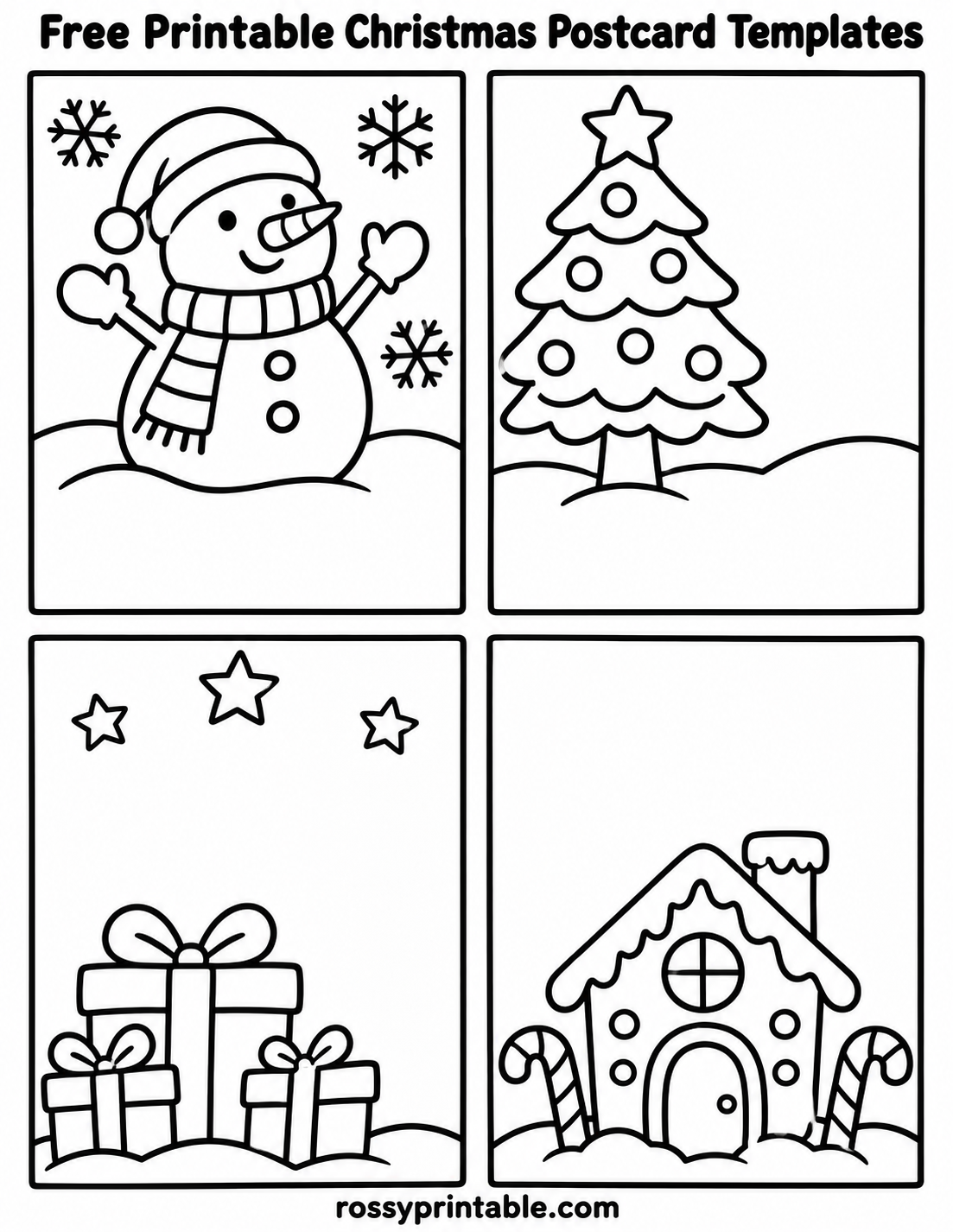
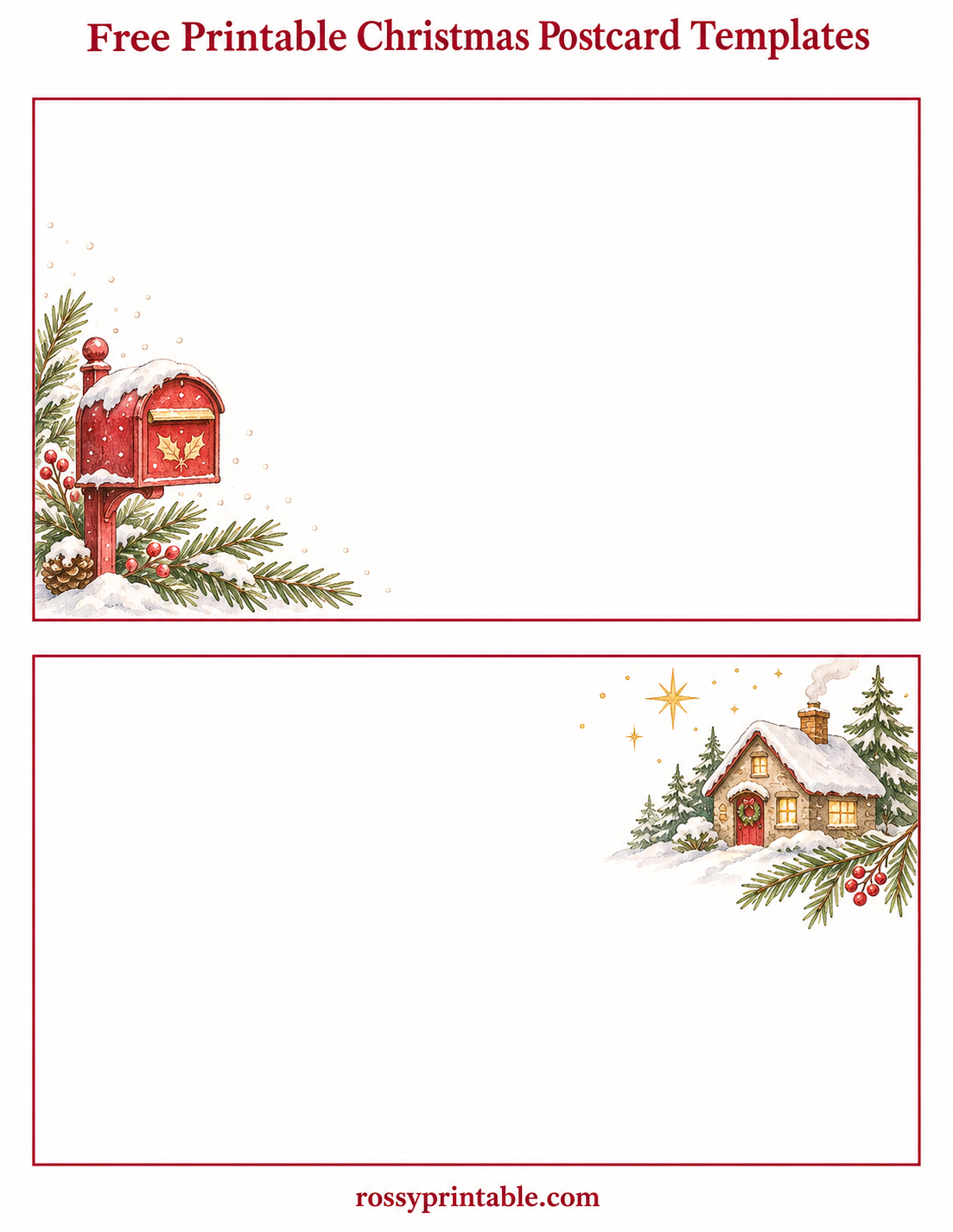
Choose a postcard sheet for your holiday message
The illustrated front sheet has four different scenes: a snowy red cottage, hanging Christmas ornaments, a scarf-wearing reindeer, and a glowing lantern. Its rich evergreen and cranberry colors suit a quick note to relatives or neighbors. The open areas leave space to write a name, a short Christmas wish, or a favorite memory. Because the artwork already carries the festive theme, you can keep the message simple.
The address-back sheet is a practical companion for making handwritten cards. Each of its four panels includes space for a personal message on the left, a divider, address lines, and an empty stamp box on the right. Small holly and candy cane accents add color without taking over the writing area. Print this sheet separately whenever you need more message backs; check the physical dimensions and alignment of your chosen front before attaching or duplexing the two.
The black-and-white coloring sheet turns a greeting into an activity. Children can color a snowman, Christmas tree, presents, or gingerbread house, then write a short note in the open space. Put out crayons or colored pencils and let each person choose the design they want to send. This option is also useful for a classroom holiday table or a quiet family activity at home.
The fourth page offers two large, uncluttered writing fronts. One has a red mailbox and winter greenery; the other shows a snowy cottage with a small starry sky. The watercolor-style corners leave most of each panel blank, making these designs useful for a longer holiday note, a thank-you message, or a keepsake slipped inside a gift. They are wider than the four-up panels, so plan to check their trimmed size before treating them as mail-ready postcards.
How to print and cut the free printable Christmas postcard templates?
Click the download link under your preferred design and save the original WebP file. Open it with a photo viewer or an image editor that can print images. Select US Letter paper, choose portrait orientation, and start with one test sheet on ordinary paper. If your print dialog has a “fit to page” option, use it when any border looks close to the printer’s nonprintable area. Avoid “fill page” or borderless cropping unless your printer preview shows every cutting line and the watermark safely inside the page.
For a sturdier result, print on smooth white cardstock that your printer accepts; check the printer manual for its supported paper weight. Let ink dry before stacking sheets. Use a ruler and paper trimmer for straight edges, or scissors if a trimmer is unavailable. Cut along the visible outer panel lines. The page title and small website mark sit outside the individual postcard panels, so you can remove the surrounding sheet border as you trim.
For front-and-back cards, compare a trimmed front with a trimmed back before gluing them together. The four-up decorative fronts and address backs are separate printable layouts, and home printer duplex registration can vary. A small test on regular paper helps you decide whether to mount a cutout onto plain card stock, print a back on a second sheet, or use two separate images for a digital greeting. Keep address lines clear and write the recipient’s name and complete mailing address legibly.
Check the size before putting a Christmas postcard in the mail
A printable craft sheet does not automatically qualify for postcard postage. In the United States, retail First-Class Mail postcards generally need to measure at least 3½ by 5 inches and no more than 4¼ by 6 inches, with specified thickness requirements. Some panels on these sheets are designed primarily as printable greeting cards, so measure your finished card after cutting. The address needs to run parallel to the card’s longer dimension for standard processing. The USPS First-Class Mail size guide explains the current limits and when letter postage may apply.
If a panel is too small, too large, or too thin for the postcard category, enjoy it as a gift enclosure or hand-delivered note, or remake the design at an appropriate size on suitable card stock. If you plan to send a batch, take one finished sample to your local post office to confirm postage. This is especially helpful when you add layers, stickers, or heavy paint that change the card’s thickness or flexibility.
More ways to personalize a Christmas postcard
Try a brief message with one specific detail: “We loved seeing you this fall,” “Your cookie recipe is already a family favorite,” or “Wishing your household a peaceful Christmas.” Add your signature and, if appropriate, a return address. For the coloring designs, let kids sign their artwork before handing it to a relative or friend. If you want to personalize a different layout online, Canva’s Christmas postcard template gallery includes free customizable options; check whether any element you choose is marked premium before downloading.
For more control over a custom layout, Avery’s free online postcard maker offers blank and predesigned templates for at-home printing. The four downloadable sheets on this page are ready for handwritten messages and craft use; an editor is helpful when you need a precisely sized mailing piece or typed text.
Frequently asked questions
Are these Christmas postcard templates editable?
They are printable WebP images with blank spaces for handwriting and coloring. You can also place an image in a compatible editor to add typed text, but these files are not layered Word documents or editable design projects.
Can I print them on regular printer paper?
Yes, for a practice sheet, classroom coloring activity, or a note that will be mounted on thicker stock. If you plan to mail a card without an envelope, choose suitable card stock and check the finished size and thickness first.
Can the four-up fronts and backs be printed double-sided?
You can try a test page, but their panel positions are not guaranteed to register front to back on every printer. Print on regular paper first, hold the sheet up to a light, and adjust your workflow before using card stock.