Table of Contents
Free Printable Christmas Gift Tags (PDF) – Make it easy to finish holiday packages with a handwritten name, a thoughtful note, or a tag children can color. The four original sheets below cover everyday presents, low-ink craft time, longer greetings, and small food gifts. Each page is arranged in US Letter proportions, with cutout shapes and space for the recipient and giver. Choose the sheet that suits your package, download the original image, and print as many copies as you need for personal holiday wrapping.
Free Printable Christmas Gift Tags (PDF)
Choose a tag for each kind of Christmas gift
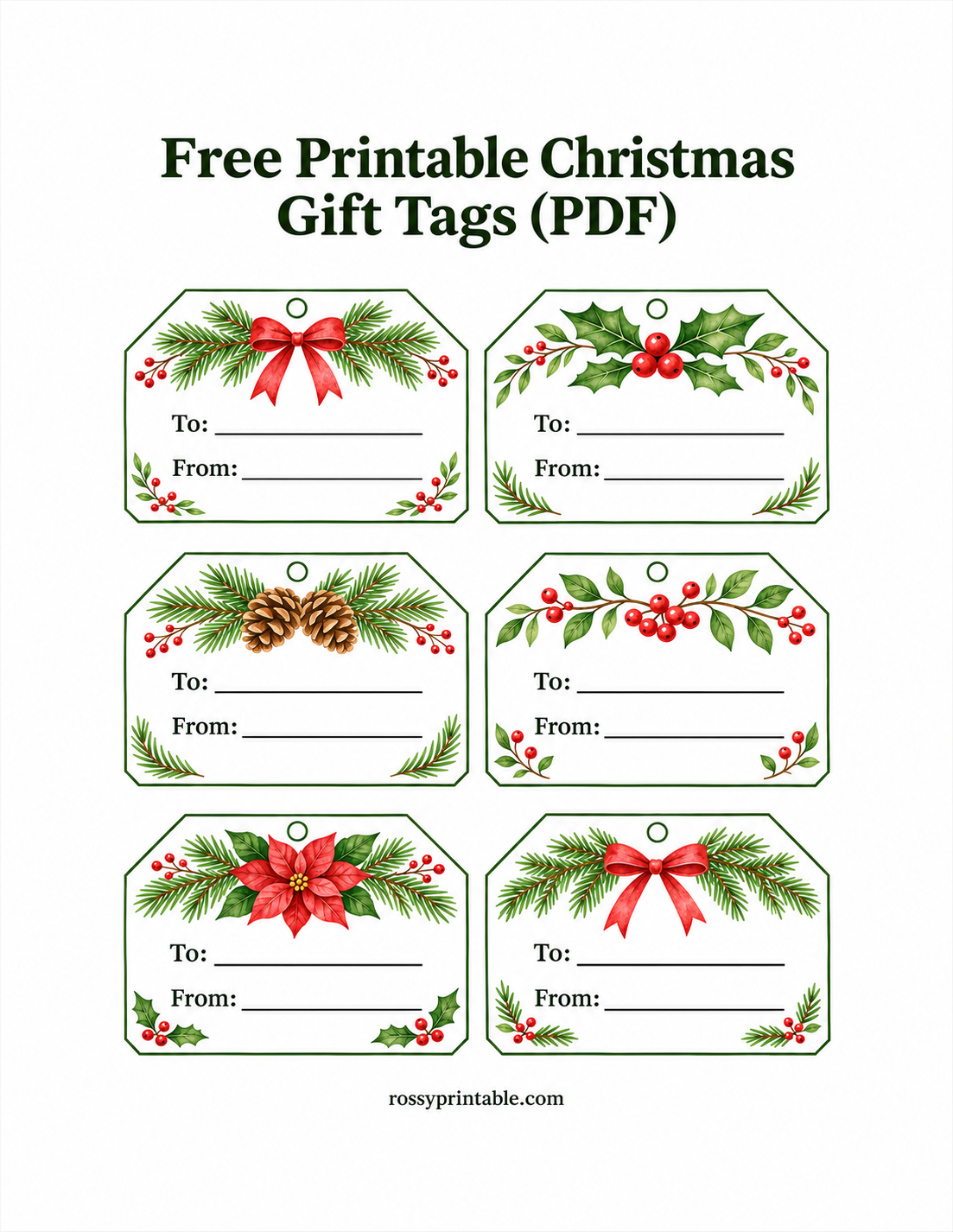
The botanical page has six roomy tags in two columns. Pine sprigs, holly, red berries, pinecones, and bows decorate the tops while leaving the To and From lines easy to fill in. This sheet works well for gifts under the tree because its traditional red-and-green details coordinate with solid paper, kraft paper, and simple patterned wrap. Write names before cutting if you prefer the steadiness of a full sheet.
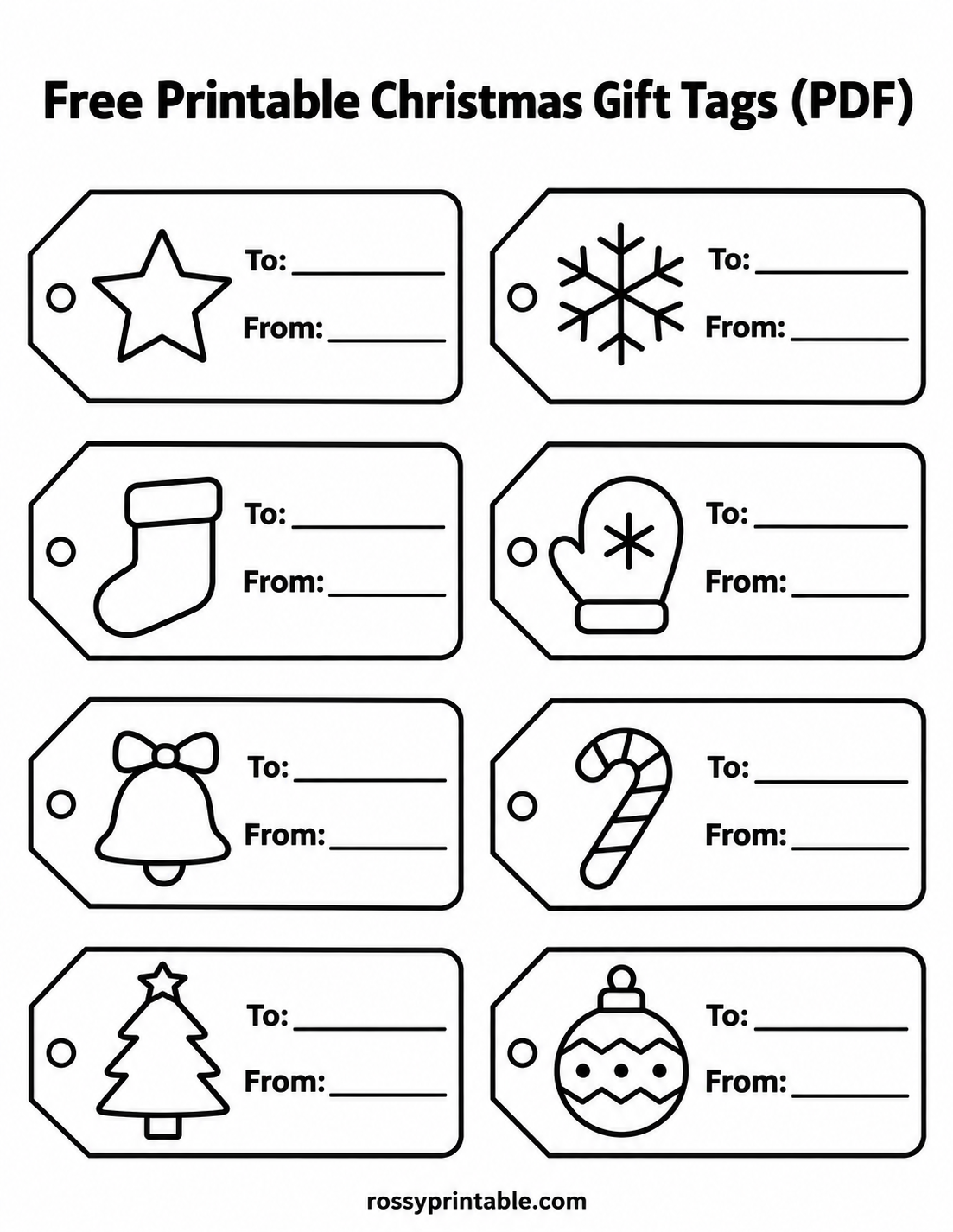
The black-and-white page has eight smaller tags, each with a simple holiday icon. A star, snowflake, stocking, mitten, bell, candy cane, tree, and ornament give children recognizable shapes to color. You can also leave the outlines uncolored to conserve ink. Keep a few printed sheets near the wrapping supplies so guests or family members can add their own colors to gifts.
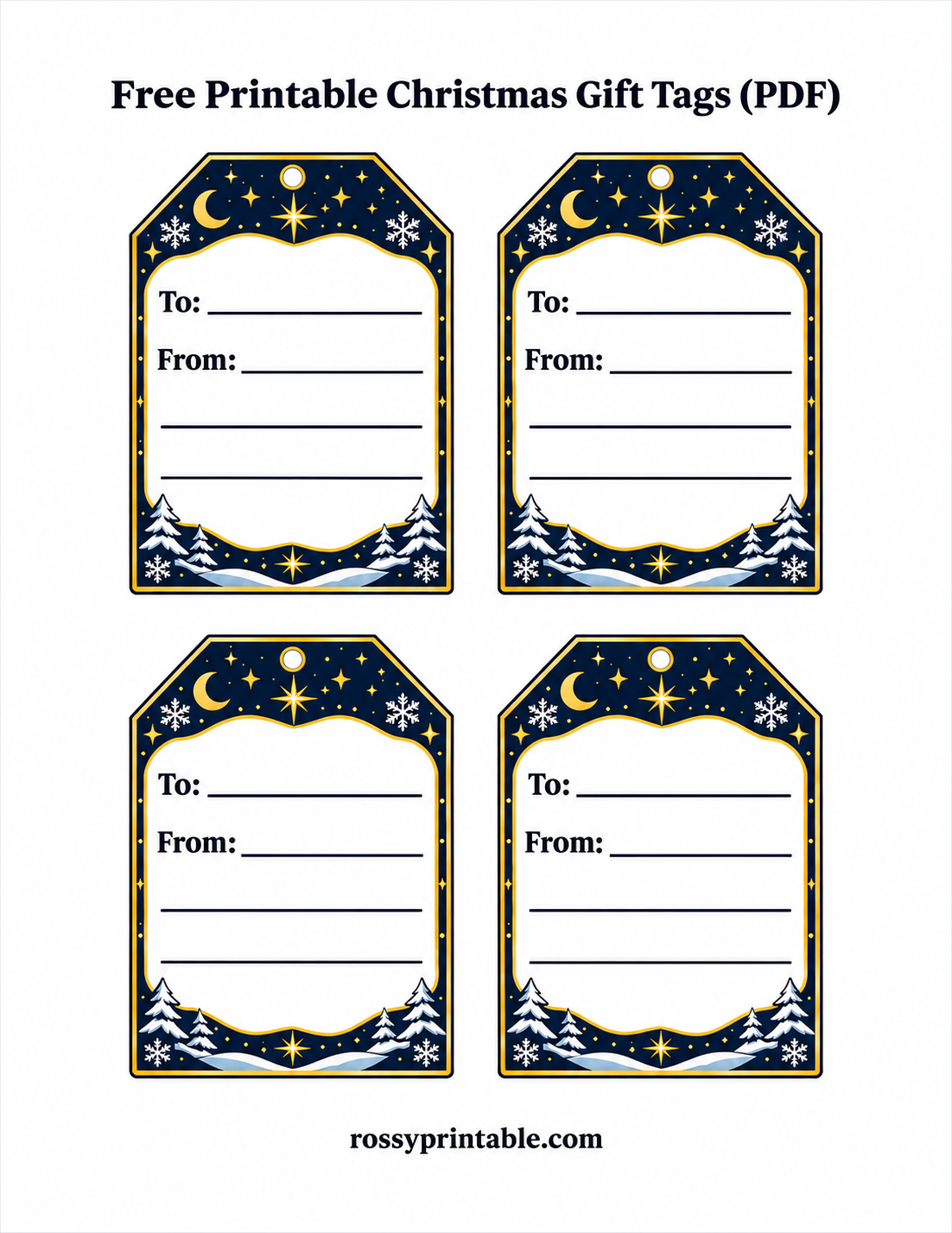
The winter-night sheet contains four larger tags. Each has a navy-and-gold border, winter stars and snowflakes, To and From lines, and two additional blank lines. It is a useful choice when a single gift deserves more than a name label: write a short thank-you, a holiday wish, or a hint about what is inside. A fine-point pen helps keep longer messages neat on the white center.
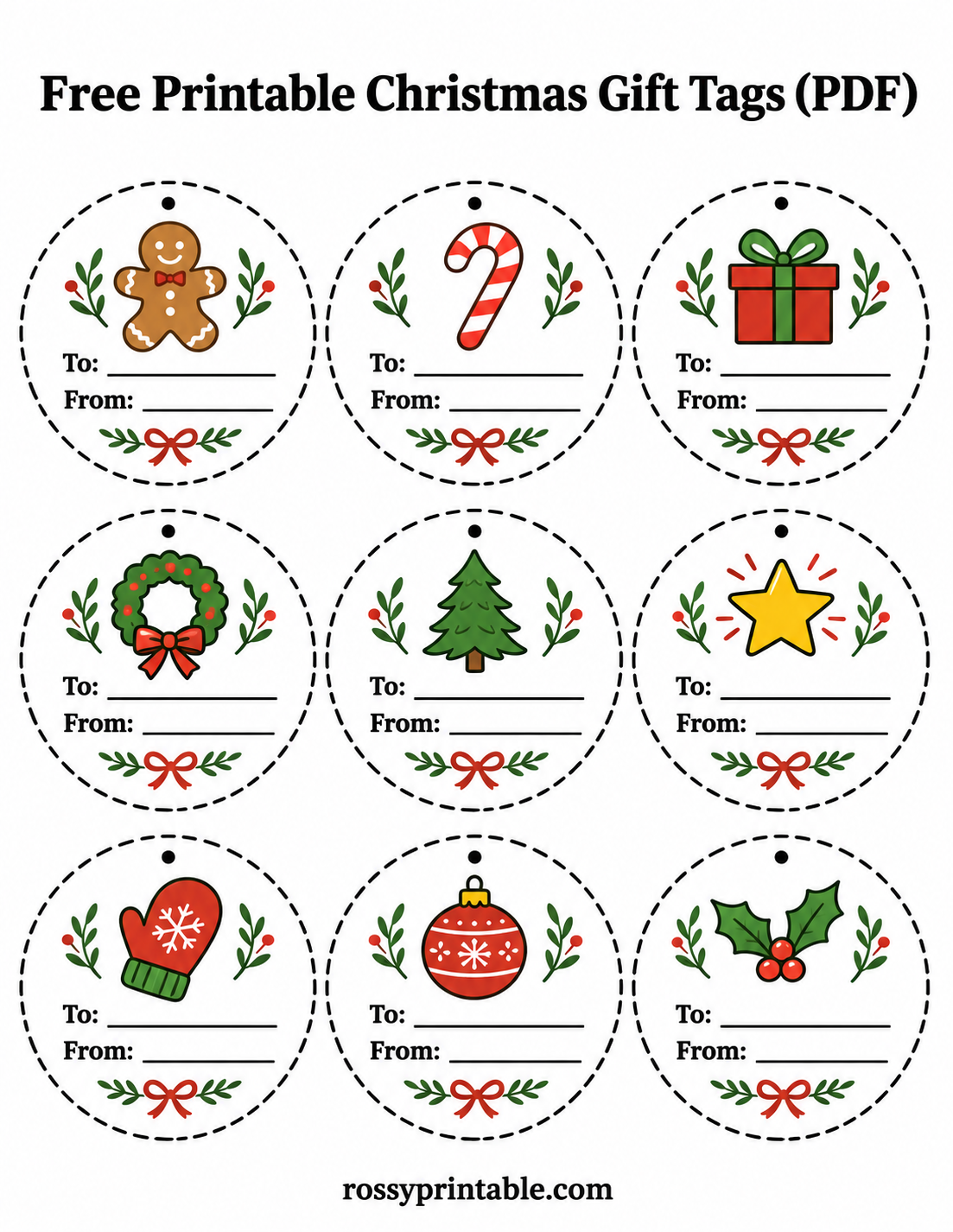
The fourth sheet contains nine circular tags with dashed cutting outlines. The little icons include a gingerbread cookie, candy cane, present, wreath, tree, star, mitten, ornament, and holly. These small labels fit especially well on homemade cookie tins, treat bags, jars with a ribbon, or stocking stuffers. Their dotted top marks show where you can punch a hole if you want to tie them on instead of using tape.
How to print the gift tags on US Letter paper?
Open the download link for your chosen page and save the full-size WebP file. In your browser, Photos app, or another image viewer, choose Print and select US Letter paper in portrait orientation. Use the entire page without cropping, and select a fit-to-printable-area setting if your printer has wide nonprintable edges. A quick plain-paper test tells you whether the title, borders, and footer all fit before you use your preferred cardstock.
For sturdy tags, try white cardstock that your home printer is rated to handle. Many people find medium-weight cardstock easier to cut and punch than very thick card. If your printer struggles with heavy stock, print on ordinary paper and glue the cutouts to a second layer of card. Select normal or high-quality print mode for the colorful sheets; the outline sheet works well in grayscale. Let freshly printed ink dry before stacking or trimming.
These four downloadable sheets are supplied as lossless WebP images. If you need a PDF for your own print workflow, open the downloaded image and choose Print, then select Save as PDF or Microsoft Print to PDF instead of a physical printer. Check that the PDF page is US Letter portrait and that its preview shows the entire sheet. Printing at the page’s natural proportions gives better results than stretching it to fill every edge.
Cut, write, and attach your tags
Cut just outside the solid border on the rectangular and large tags. For the circles, follow the dashed outline with small sharp scissors; rotate the paper as you cut to keep the curve smooth. Children can color the outline tags before an adult helps with cutting. The printed circle near the top of the rectangular tags, or the dot near the top of the round ones, gives you a handy place to make a small hole.
Write the recipient and sender on the printed lines using a ballpoint or fine-tip marker. If you’re labeling several presents for the same person, fill out the entire page first and then trim the tags in a batch. Thread a short length of twine or ribbon through each hole and tie it to a bag handle or bow. For flat packages, a loop of clear tape on the back works just as well; a small glue dot can secure a circular label to a paper treat bag.
When packaging homemade food, place a separate ingredient or allergen note with the gift if needed; the short To and From spaces are meant for names, not detailed food information. If condensation or grease could touch the label, tie it to the outside of the container instead. Save one blank copy of your favorite design so next year’s wrapping session starts with tags ready to print.
More places to find printable Christmas labels
If you want a ready-made PDF in a different shape, WorldLabel provides a one-page chalkboard holiday label PDF with round designs. It uses a label-sheet layout, so check the page and paper format before printing. For a blank template you can personalize, Avery’s gift tag maker offers printable tag templates and an editing tool; some download options may require an account. Both resources are separate from the original tags offered above.
Frequently asked questions
Are these Christmas gift tag files PDFs?
The four original downloads in this gallery are lossless WebP files. The title includes “PDF” for readers seeking a printable page; you can create your own PDF copy with your device’s Print to PDF option. The external WorldLabel link above is a direct PDF if you specifically want a premade PDF file.
Can I print the tags in black and white?
Yes. The eight-tag outline page is the clearest low-ink choice. You can also choose grayscale in the print dialog for any of the other pages, although the winter-night borders will use more toner than the simple outline design.
What is the easiest way to attach a tag without a hole punch?
Use a small piece of double-sided tape or fold a loop of regular tape behind the cutout. For a bag, you can staple a tag to the folded top while keeping the printed names visible.