Table of Contents
Merry Christmas Printables for Holiday Decor – Bring a little seasonal color to your home without a big shopping list or a complicated craft session. This set has four different uses: a wreath art print for a frame, six tags for gifts or place settings, four small signs for shelves, and a coloring page you can turn into your own holiday artwork. Download the original WebP that fits your project, print it on US Letter paper, and make the space feel ready for Christmas.
Merry Christmas Printables for Holiday Decor

Pick the printable that fits your space
The watercolor wreath page is the simplest choice when you want an instant focal point. Pine branches, holly, berries, pinecones, gold stars, and a red bow surround a large green “Merry Christmas” greeting. Slip the full sheet into a letter-size frame, or trim it carefully for a smaller frame while keeping the words and wreath intact. It works nicely on an entry table, a bookcase, or a kitchen counter.
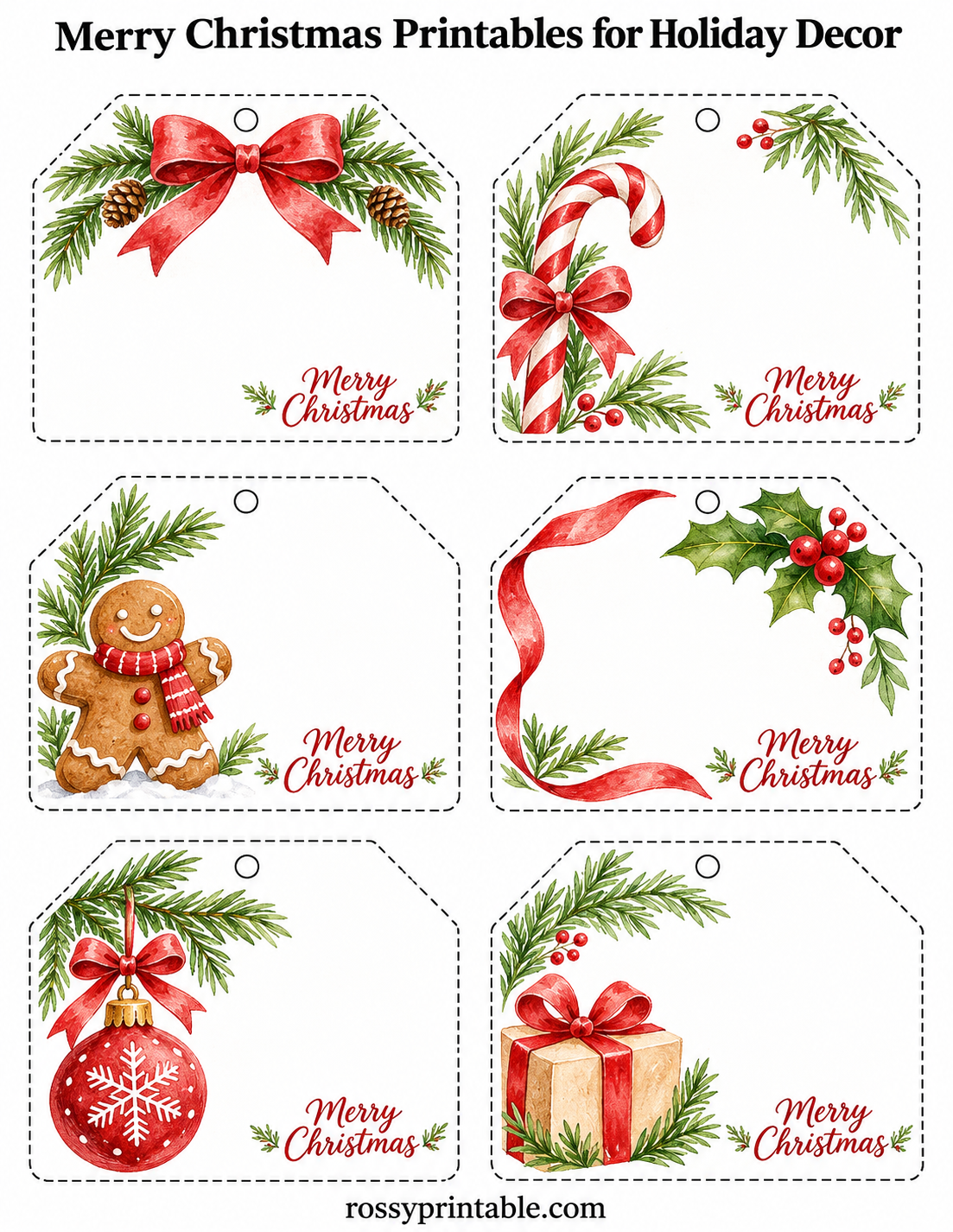
The gift-tag sheet has six large tags arranged in two columns. Each one has a dashed cutting line, a printed hole guide, a small “Merry Christmas” greeting, and space to write a name. Their watercolor decorations include a bow, candy cane, gingerbread figure, holly, red ornament, and wrapped present. Print the sheet on cardstock, cut along the dashes, and punch the holes before adding ribbon or baker’s twine. The blank spaces also make the tags handy for labeling holiday treat bags or marking seats at a dinner table.
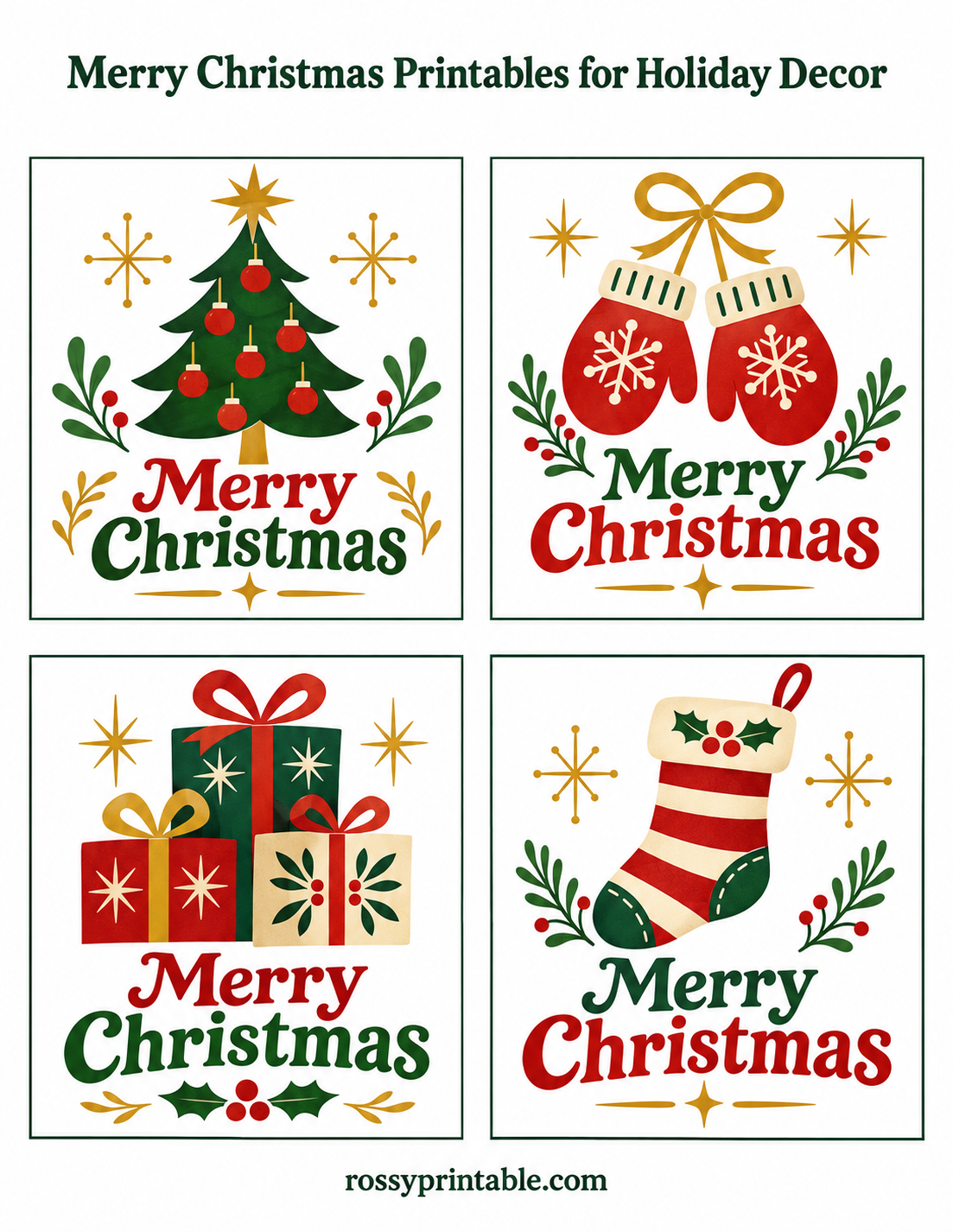
The mini-sign sheet gives you four square panels with a tree, mittens, presents, and a stocking. Each panel carries the same holiday greeting in bold red and green type. Cut outside the thin borders, then tuck the signs into small frames or prop them on a mantel with removable stands. You can display all four as a coordinated group or use a single panel where a full-size print would feel crowded.
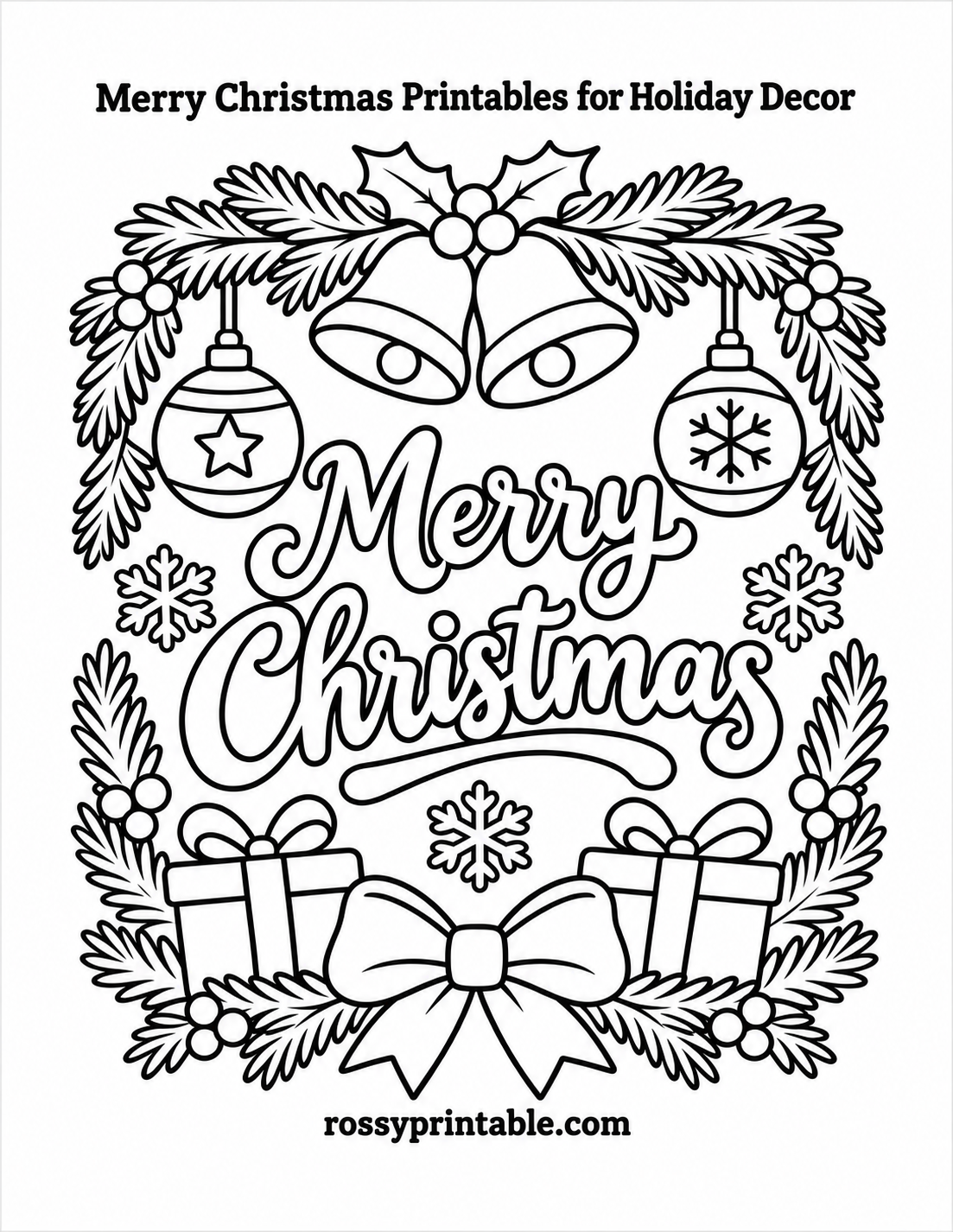
The fourth page is a black-and-white coloring design. Its outlined “Merry Christmas” lettering sits among bells, ornaments, snowflakes, evergreen branches, gifts, and a bow. Color it with pencils or markers, then display the finished page in a frame or on a bulletin board. Leaving the background white keeps the page bright and makes the colorful details stand out.
How to print Merry Christmas Printables for Holiday Decor?
Click the download link beneath the design you want so you receive its full-size original WebP. Open that downloaded file in your computer’s image viewer or print dialog. Choose US Letter paper, portrait orientation, and “fit to printable area” if your printer cannot print close to the edge. Check the preview before printing to make sure the heading and small website mark remain visible. For this set, printing one page per sheet is the easiest way to preserve the proportions.
Plain white copy paper is fine for a quick coloring session or a temporary sign. Matte photo paper gives the wreath artwork richer greens and reds; medium-weight white cardstock makes the tags and mini signs sturdier for cutting and display. If you use cardstock, check your printer’s supported paper weights and select the thicker-paper setting when offered. Print a single test page before making extras, especially if you are matching the red and green tones to other decorations.
The black-and-white page uses less colored ink. For the three color sheets, use the regular color setting rather than a draft mode if the print will be framed. Let fresh ink dry before stacking sheets or coloring over a printed area. If a child is doing the cutting, an adult can handle the punch holes and any tight corners on the tags.
Easy ways to use the finished pages
A coordinated display does not need every printable in one spot. Put the wreath art near the front door, repeat two of the small signs on a shelf, and use the gift tags on presents under the tree. The shared red, green, and evergreen motifs tie those separate places together. The coloring page is an especially nice afternoon activity before you choose where to hang the finished work.
For a party, print another tag sheet and write guests’ names in the open spaces. Attach tags to napkins with ribbon, or place one at each setting. You can also punch and string the four square mini signs in a row for a short shelf garland, provided you leave enough border around each design for a sturdy hole. Keep any paper decorations away from candles, hot bulbs, and damp outdoor areas.
If you want a longer banner project to pair with these pages, Canon offers a downloadable Merry Christmas letter template PDF. Its separate letters are useful when you have more wall space than these small signs fill. Our four printables above are ready as individual decor pieces, so you can choose the faster project first and add a banner later.
Make a print you will want to keep
After the holidays, store the colored page or a favorite art print flat in a folder. Remove ribbon from any tags you want to reuse, and keep the mini panels between clean sheets of paper so their corners stay neat. For next season, print fresh originals from the download links if a page becomes bent or faded. That makes it easy to enjoy the same design again or color the outline page in a completely different palette.
These four designs cover a frame, gifts, small surfaces, and a hands-on activity. Start with the page you can use today, then let the other printables fill in the little holiday spaces as you decorate.