Table of Contents
Free Printable Christmas Party Invitations – Make it easy to invite friends, family, neighbors, or classmates to a December gathering without starting a design from scratch. Choose from four original, ready-to-print invitation sheets below: a set of four traditional cards, a roomy full-page invitation, a black-and-white coloring sheet, and a potluck version. Each one has blank spaces for your own event information, so you can use it for Christmas this year or in a future season.
Free Printable Christmas Party Invitations
Pick an Invitation That Fits Your Gathering
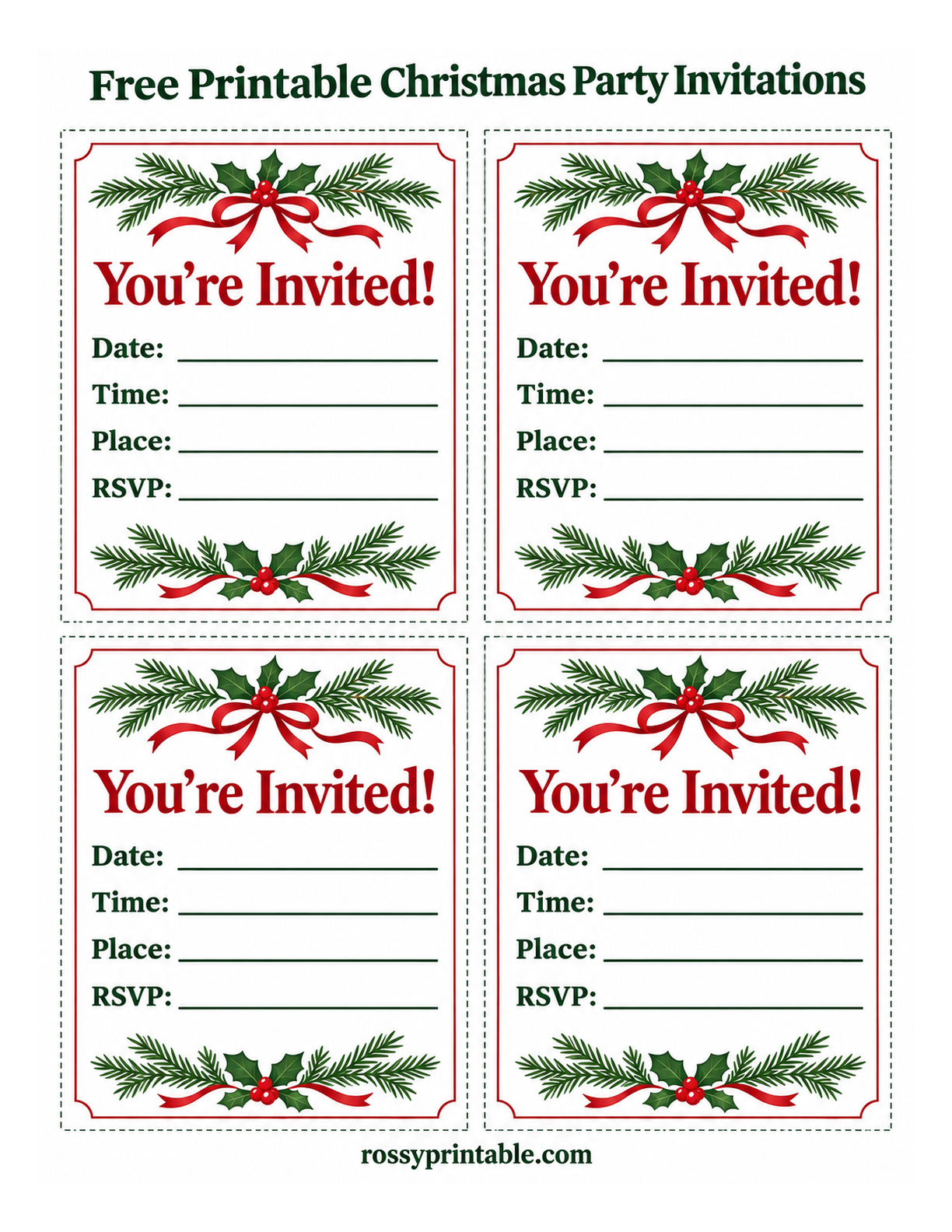
The evergreen sheet gives you four matching invitations on one US Letter page. Each small card has a holly-and-ribbon border, a cheerful “You’re Invited!” heading, and lines for the date, time, place, and RSVP information. It works especially well when you are inviting several neighbors or handing cards out at school or work. Print one page for every four guests, then cut along the dotted outer outlines. Write on the cards after cutting if you find it easier to keep your handwriting straight.
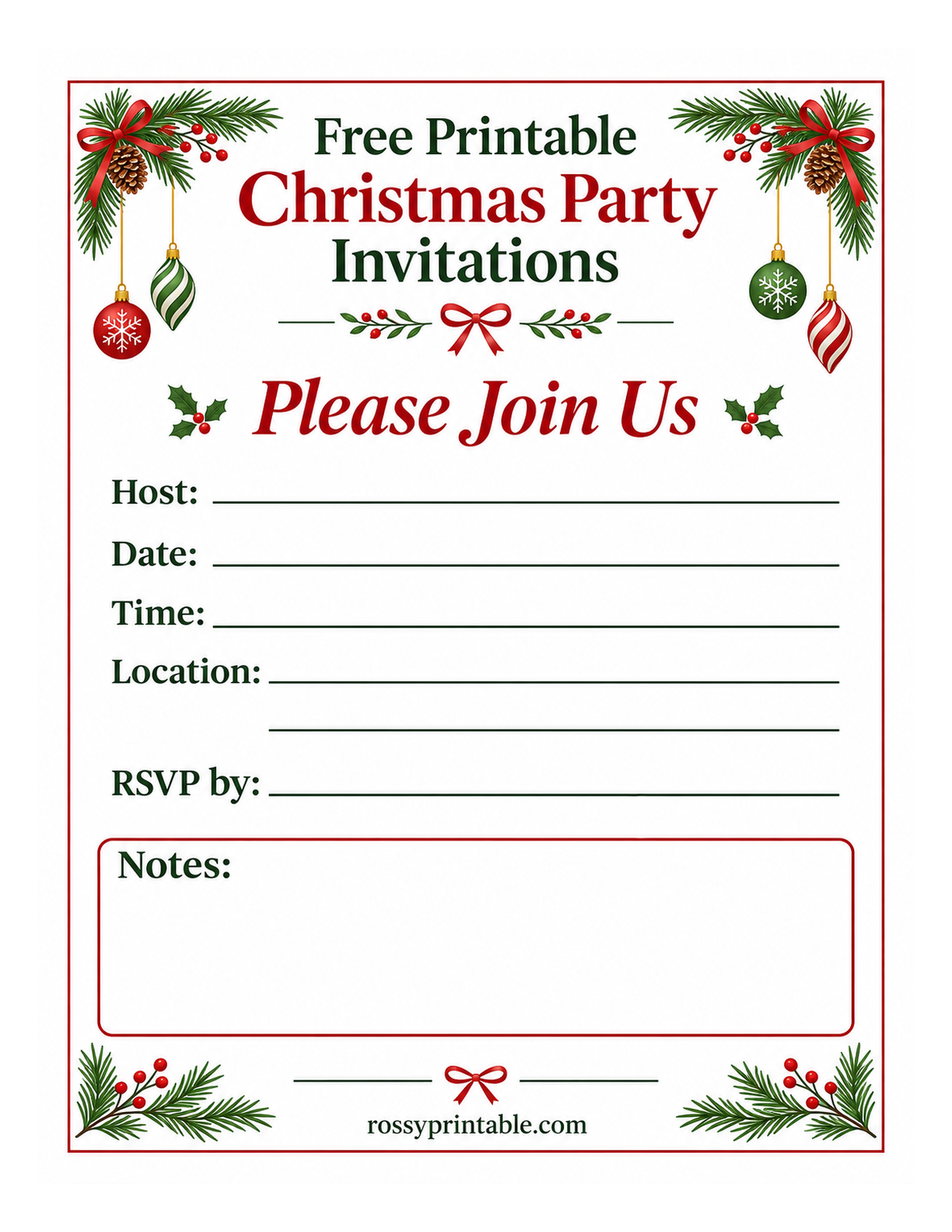
The ornament design is a single large invitation. Hanging baubles and pine branches frame longer lines for the host, date, time, location, and RSVP deadline. There is also a broad notes box for parking instructions, a dress code, gift-exchange details, or anything else your guests need to know. This version is useful as a sign on a bulletin board or as an invitation you can slip into a larger envelope. The address has a second blank line if the venue needs an apartment number or additional directions.
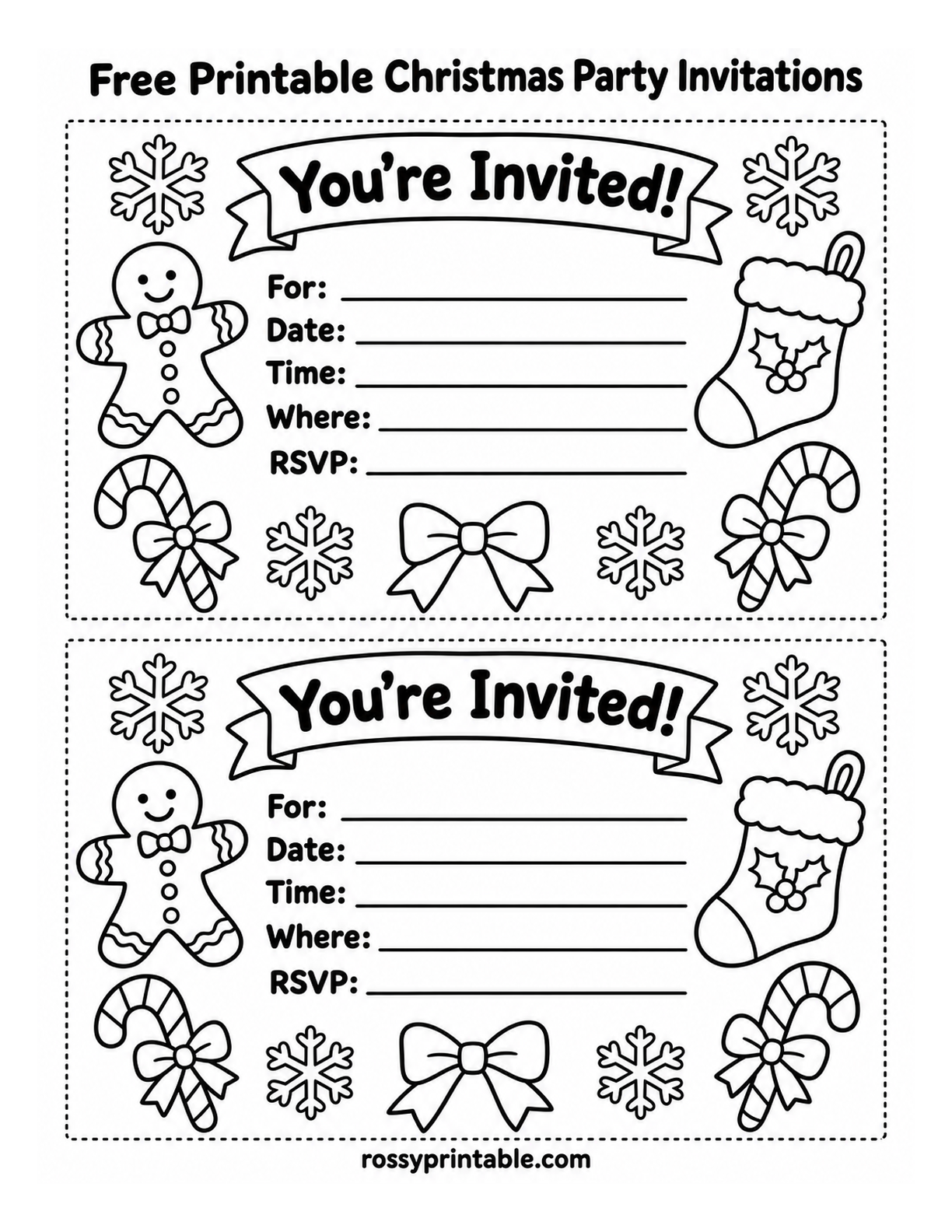
The black-and-white sheet contains two generous cards with gingerbread figures, stockings, candy canes, bows, and snowflakes. Children can color them before you fill in the event details. Each card has “For,” date, time, where, and RSVP lines. The mostly white background uses little colored ink and gives kids room to add their own holiday palette. Let the coloring dry before writing with a marker, especially if you use washable ink or paint.
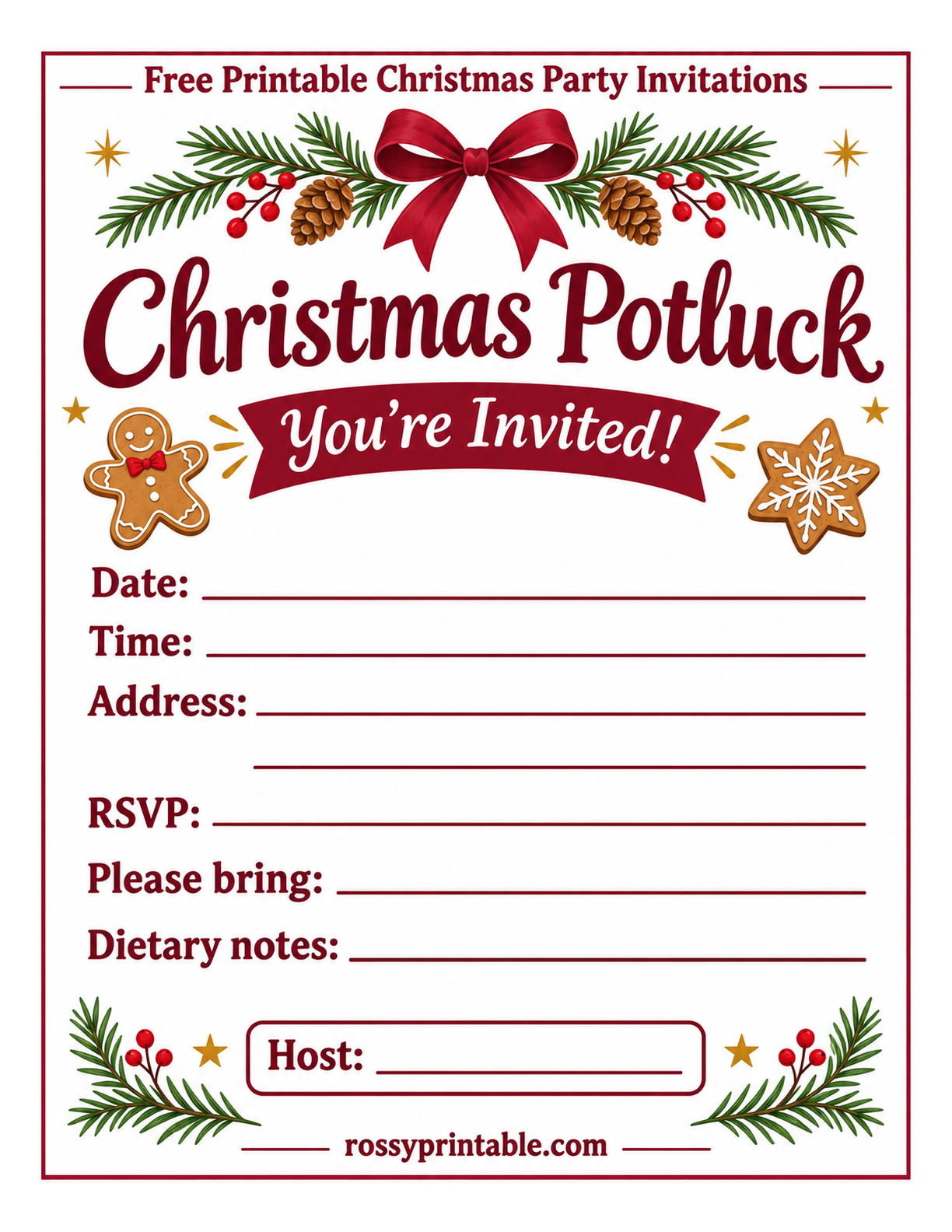
The potluck sheet is one invitation with extra planning space. Its “Please bring” line can name a dish category, a serving utensil, or a board game. The “Dietary notes” line can remind guests to tell the host about allergies or food preferences. It also includes date, time, address, RSVP, and host spaces. The burgundy lettering, pine boughs, red bow, and gingerbread accents suit a casual holiday dinner without requiring you to assign every dish in advance.
How to Print Free Printable Christmas Party Invitations?
Click the download link directly under the design you want. The link goes to the original lossless WebP image, which gives you the complete sheet rather than a smaller on-page preview. Save it to your device, open it in an image viewer or insert it into a document, and print on US Letter paper (8.5 by 11 inches). In the printer dialog, use portrait orientation and select “fit to printable area” or a similar setting if your printer does not print to the paper edge. Preview the page before committing to a stack of copies.
For hand-delivered invitations, 65- to 80-pound white cardstock gives the cutouts a firmer feel than regular copy paper. Check your printer’s paper-weight guidance before feeding heavy stock. Plain paper is a practical choice for the coloring sheet, where crayons and colored pencils glide over the surface. If you plan to use markers, test one card for bleed-through and place scrap paper underneath while coloring.
Print at full quality when the lettering and decorative details matter, or try a draft copy first to check size and margins. The artwork already has white space around its edges; a borderless print setting is unnecessary. If your printout is unexpectedly small, check for an extra “pages per sheet” setting in the printer dialog. Leave scaling at one page per sheet and avoid automatically tiling the image over multiple pages.
For the four-card and two-card sheets, cut on the dotted boundaries with scissors or a paper trimmer. Keep the invitation faces upright and trim one edge at a time. A ruler can help keep the cuts straight. For the full-page and potluck designs, you can keep the entire sheet intact or reduce it at print time if you need a smaller handout. Make a test print before adjusting the size for an envelope.
What to Write Before You Send Them?
Start with the actual calendar date, the day of the week, and a clear start time. Add an end time if guests should arrange a ride or plan around bedtime. For a location, include the street address and any useful apartment, floor, or parking information. Write one RSVP contact method, such as a phone number or email address, and a deadline that gives you enough time to plan food and seating. Double-check those details on a single finished invitation before copying them across the others.
If the gathering has a theme, put it in the notes box or on the back: ugly sweaters, cookie decorating, a gift exchange, or a family-friendly movie night are all easy examples. For a potluck, mention how many servings a guest should bring and whether a dish needs to arrive ready to serve. If allergies are a concern, ask guests to label ingredients and invite them to contact the host privately. Keep any directions short enough to read at a glance.
These sheets are blank printables, so you can write on them by hand after printing. If you prefer to type names and event details before printing, use an image or document editor to place text over the blank lines, then print a proof copy. For another editable holiday invitation option, browse Adobe Express’s Christmas invitation templates and choose a design marked free. Avery’s invitation maker also offers free templates you can customize and print yourself; check your paper or card format before selecting a template.
Quick Questions
Can I use these for a holiday party that is not on Christmas Day?
Yes. None of the four designs has a prefilled year or date. Write the day and time of your own Christmas-season event in the blank spaces, whether it is an early December gathering or a party closer to Christmas.
Do I need special software to print the files?
No specialized design software is required. Download the original WebP, open it with a modern browser or image viewer that supports WebP, and use its print command. You can also place the image in a document if you want to arrange a custom print layout.
Which design uses the least color ink?
The two-card coloring sheet is almost entirely black outlines on white. It is the best choice if guests or children want to add their own colors, or if you are printing on a monochrome printer. The other sheets use red and green accents but also retain large white areas.