Table of Contents
Free Printable Belated Christmas Cards – Give you a warm, easy way to reach someone after the holiday rush. A greeting that arrives in late December or January can still make a friend or family member feel remembered. Choose a full-page illustrated card, a pair of small cards, a color-it-yourself sheet, or a writing card with plenty of room for your own words. Each design downloads as a separate WebP image sized for US Letter paper.
Free Printable Belated Christmas Cards
Pick the right card for your message
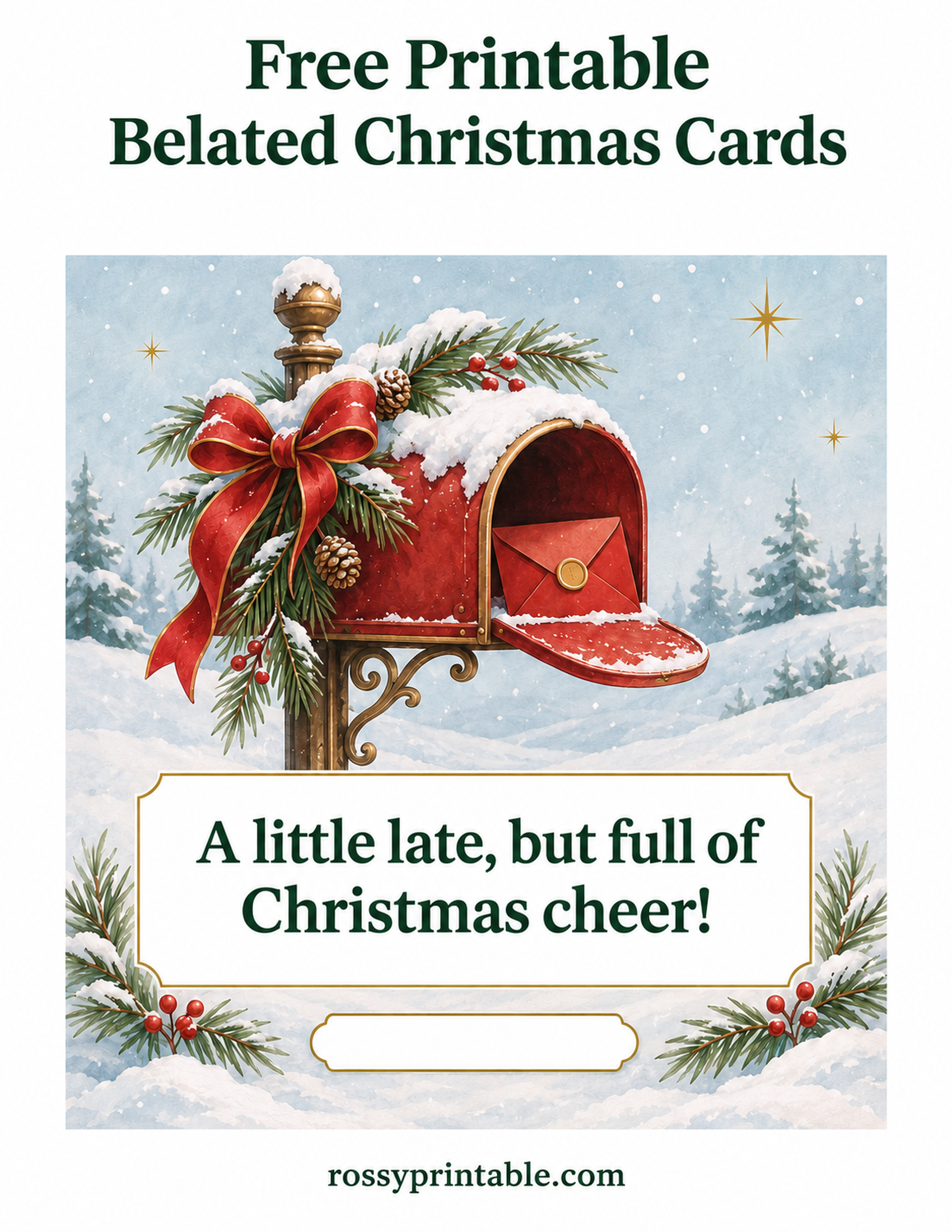
The snowy mailbox design is a good choice when you want the card itself to do most of the talking. Its printed greeting says, “A little late, but full of Christmas cheer!” The red envelope and frosty pine branches make the delay feel like part of the story. Add your name in the small space below the message, or write a longer note on a separate sheet to tuck into an envelope.
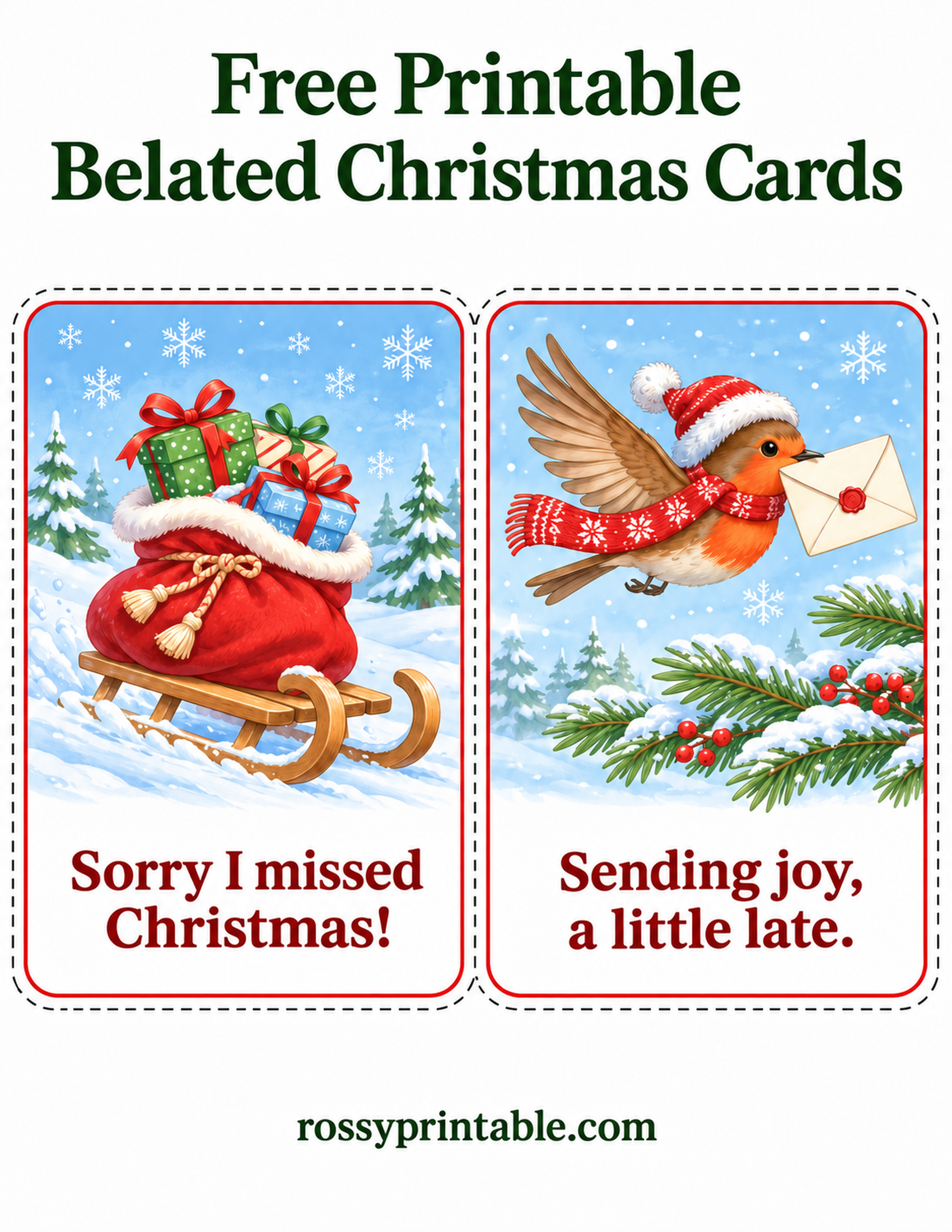
The two-card sheet works well when you need a couple of quick notes for neighbors, coworkers, or relatives. One panel shows a gift sack riding a sled and says, “Sorry I missed Christmas!” The other has a robin delivering an envelope with the gentler line, “Sending joy, a little late.” Cut around the dashed outlines, then write a personal sentence on the back of each card. The front designs are narrow portrait cards, so check your envelope size before mailing.
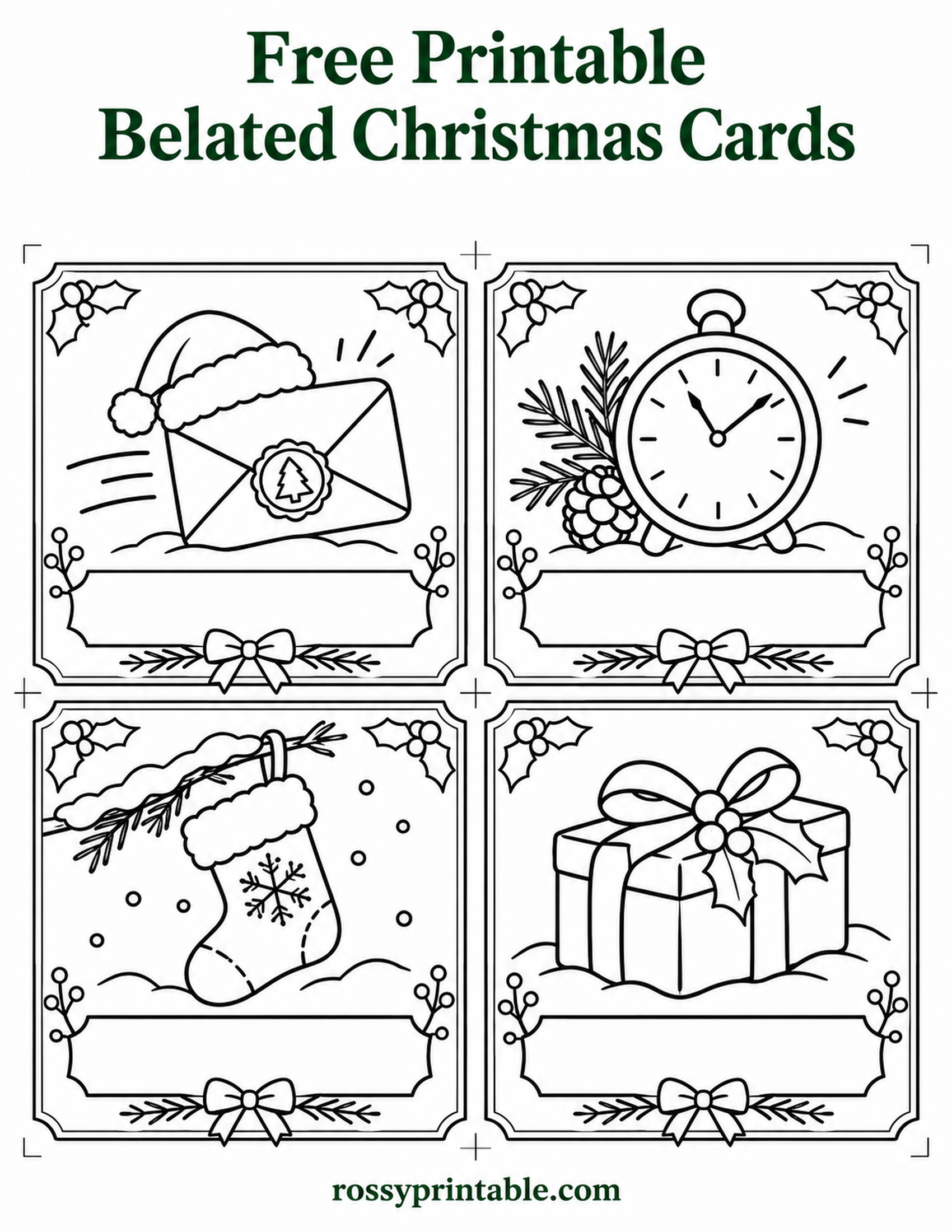
For a hands-on activity, choose the four black-and-white mini cards. The envelope, clock, stocking, and wrapped gift are outlined for colored pencils, crayons, or markers. Each panel has a blank banner for your own short greeting. Children can color the pictures while an adult helps write a message, or grown-ups can use the sheet as a simple, low-ink craft for a small group.
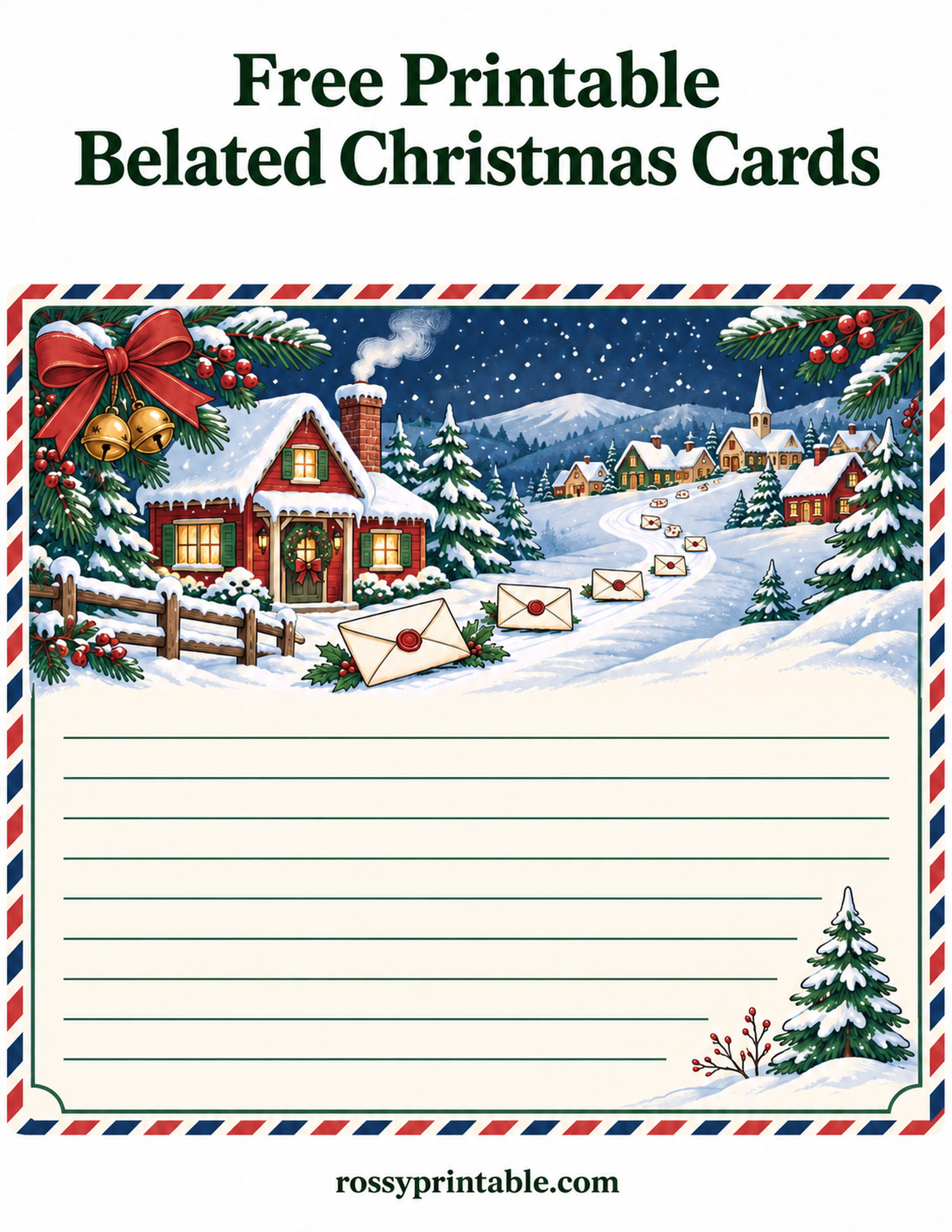
The winter village sheet is best when your words need more room. A path of envelopes leads through a snowy town above several ruled lines. Use it as a letter-style card for a close friend, a grandparent, or someone you did not get to see over Christmas. Because its entire front includes the writing area, send the completed sheet in an envelope rather than treating the image as a ready-to-mail postcard.
How to print and finish these belated Christmas cards?
Open the download link under the design you want and save the original WebP file. Print the saved file on 8.5 × 11-inch US Letter paper in portrait orientation. Choose color for the illustrated sheets or black ink for the coloring sheet. A standard printer paper test copy is useful for checking placement before you switch to thicker stock.
In your print dialog, select “Fit” or “Fit to printable area” if your home printer cannot print near the edges. The artwork already has white margins, but printers vary. If you choose “Actual size,” first confirm that the whole title, the bottom watermark, and the card edges appear in the print preview. Avoid an automatic borderless setting that crops the sheet to fill the page.
For a sturdier result, try matte cardstock that your printer is rated to handle. Let a fresh inkjet print dry before stacking or trimming it. Use scissors or a paper trimmer along the dashed guides on the two-card sheet and along the card boundaries on the coloring sheet. The single mailbox and winter village designs can stay full-page; you can also trim the surrounding white paper if you prefer a smaller display piece.
Do not fold the illustrated front through its artwork simply to make it fit an envelope. The mailbox design is a one-sided greeting sheet, while the village design is a one-sided writing sheet. For either one, use an appropriately sized envelope, or fold only the plain margins after checking how the finished note will look. The two smaller-card sheets are the easiest options when you want a compact enclosure.
What to write when Christmas has passed?
Keep the opening light and sincere. A small acknowledgement is usually enough: “I missed the Christmas rush, but I still wanted to wish you a peaceful season.” Then add something personal, such as a favorite memory, a thank-you for a visit, or a hope for the coming year. A real detail feels warmer than a long apology about your calendar.
If the card accompanies a late gift, mention the gift separately so the greeting can stand on its own. You might write, “The package is taking the scenic route, but my good wishes arrived first.” If you have lost touch, try, “I thought of you during Christmas and wanted to say hello, even though this is arriving afterward.” Both lines work especially well on the writing sheet, where there is space to continue the conversation.
A belated card can also become a January note. Write “I hope your new year has started gently” or “Here is one more bit of holiday cheer to carry into the new year.” There is no need to add a printed year to these designs, so you can use them whenever a Christmas greeting is late.
Mailing and extra printable ideas
If you mail a trimmed card, place it in a flat envelope and confirm the finished size and postage. The USPS guide to sending letters and postcards explains envelope, postcard, and addressing basics. It is especially useful if you plan to mail a small cut-out card by itself instead of enclosing it.
For a different late-gift situation, Mint & Mustard offers a direct PDF of a delayed Christmas gift card. That separate resource uses A6 sizing, so review its own instructions before printing on US Letter paper. The four cards above are original WebP designs, with their individual downloads immediately below each preview.