Table of Contents
Free Printable Blank Christmas Label Templates – Make it easy to finish a stack of gifts, jars, cards, and party favors without writing directly on the wrapping. Choose a sheet below, download the original WebP, and print it on US Letter paper. Each design leaves the center open for names, short notes, or a handwritten holiday greeting. The four layouts give you a practical choice between roomy labels and small ones for a busy gift table.
Free Printable Blank Christmas Label Templates
Choose a Christmas label that fits your gift
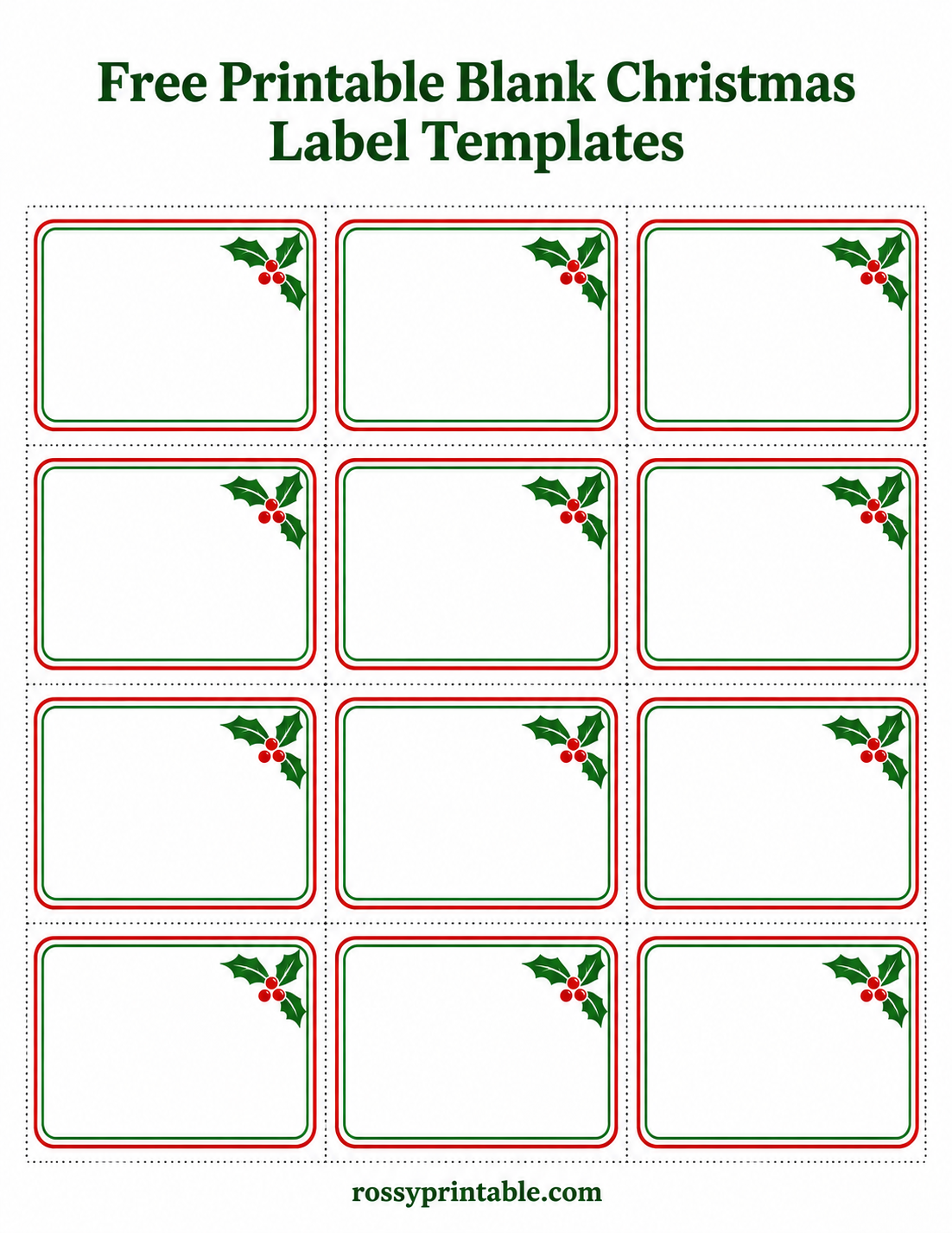
The holly sheet offers twelve rectangular labels in three columns. Its red and green double borders look festive against plain kraft paper, while the holly stays in one corner so a recipient’s name remains easy to read. Use these for wrapped presents, gift bags, cookie boxes, or a row of small packages headed to the same household. If you are writing both a name and a short message, try one label before filling out the whole page.
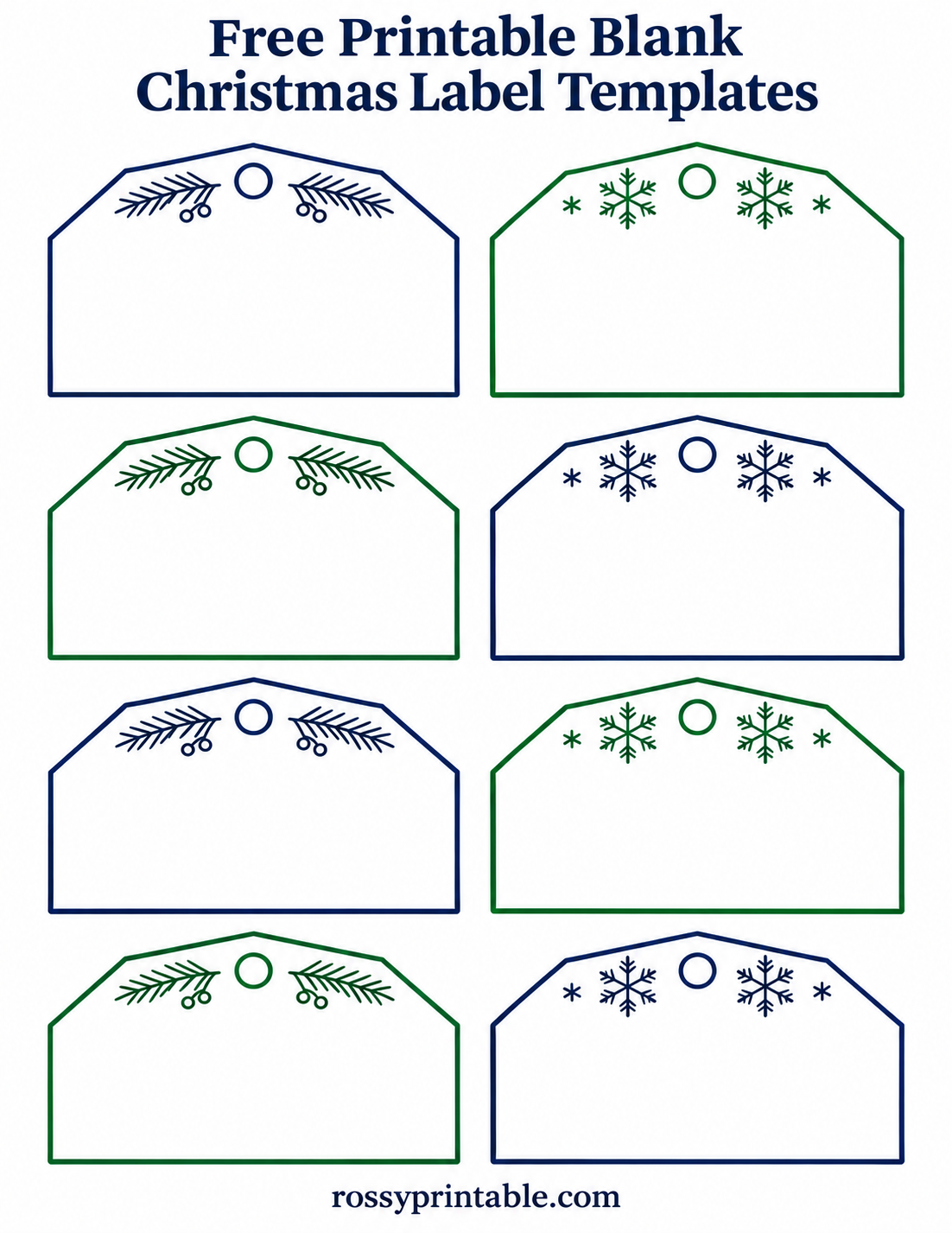
The winter hang tag sheet has eight larger shapes, each with an outlined circle near the top. The navy and green designs alternate between evergreen sprigs and snowflakes. Cut around each outline, carefully punch at the circle, and tie on a piece of ribbon or twine. These are useful when tape will not stick neatly to a fabric bag, a handled basket, or a ribbon-wrapped box. Keep the punch away from the writing area and leave a little paper around the hole for strength.
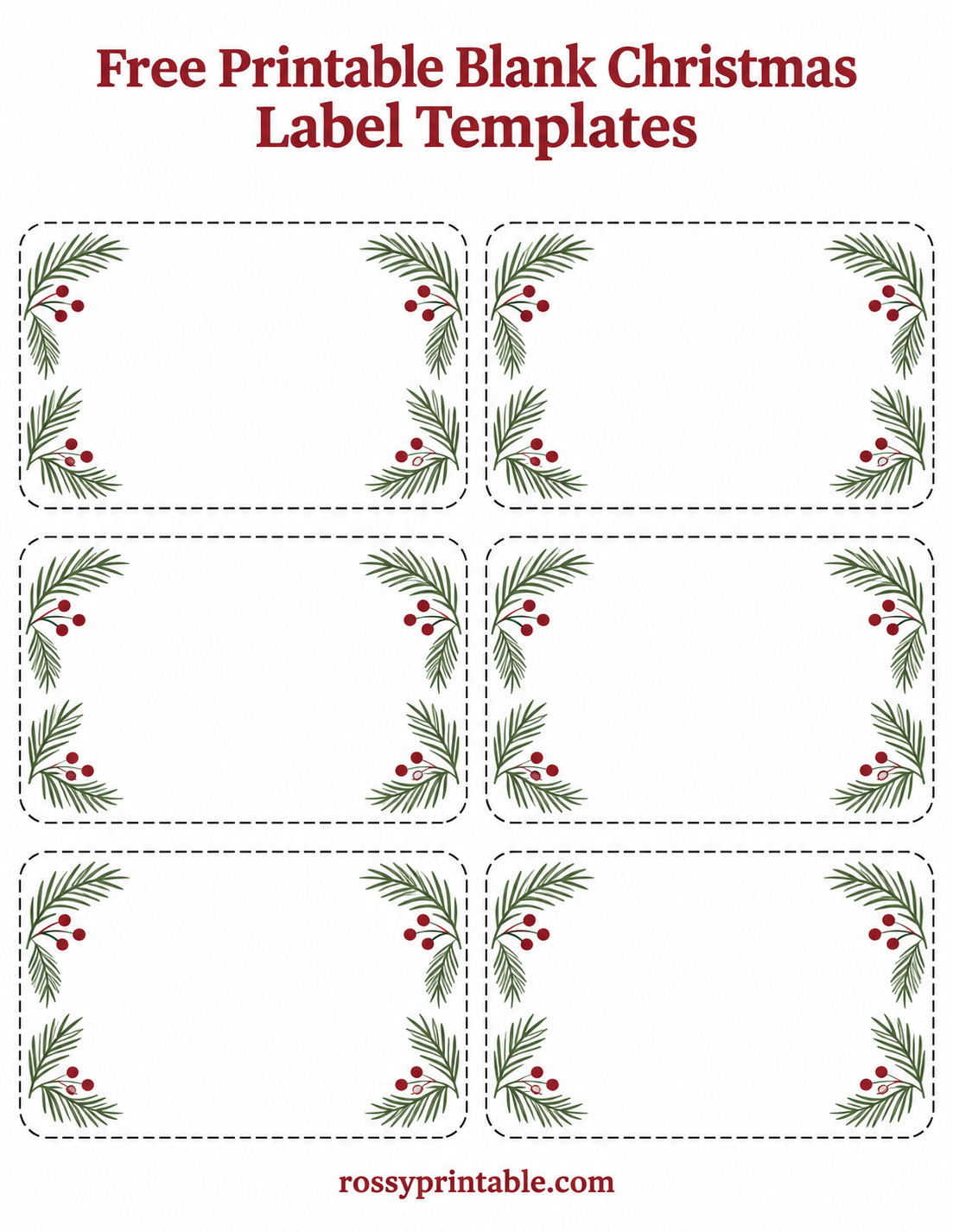
For a longer recipient name or an extra sentence, use the six wide pine labels. Their dashed rounded borders and corner greenery frame a broad white center. They work well as handwritten labels on homemade jam, baked-goods boxes, and reusable containers. You can also attach one to a card or tape it to a plain package. If the container will be refrigerated, choose paper or adhesive suited to its surface, and keep any label away from food-contact areas.
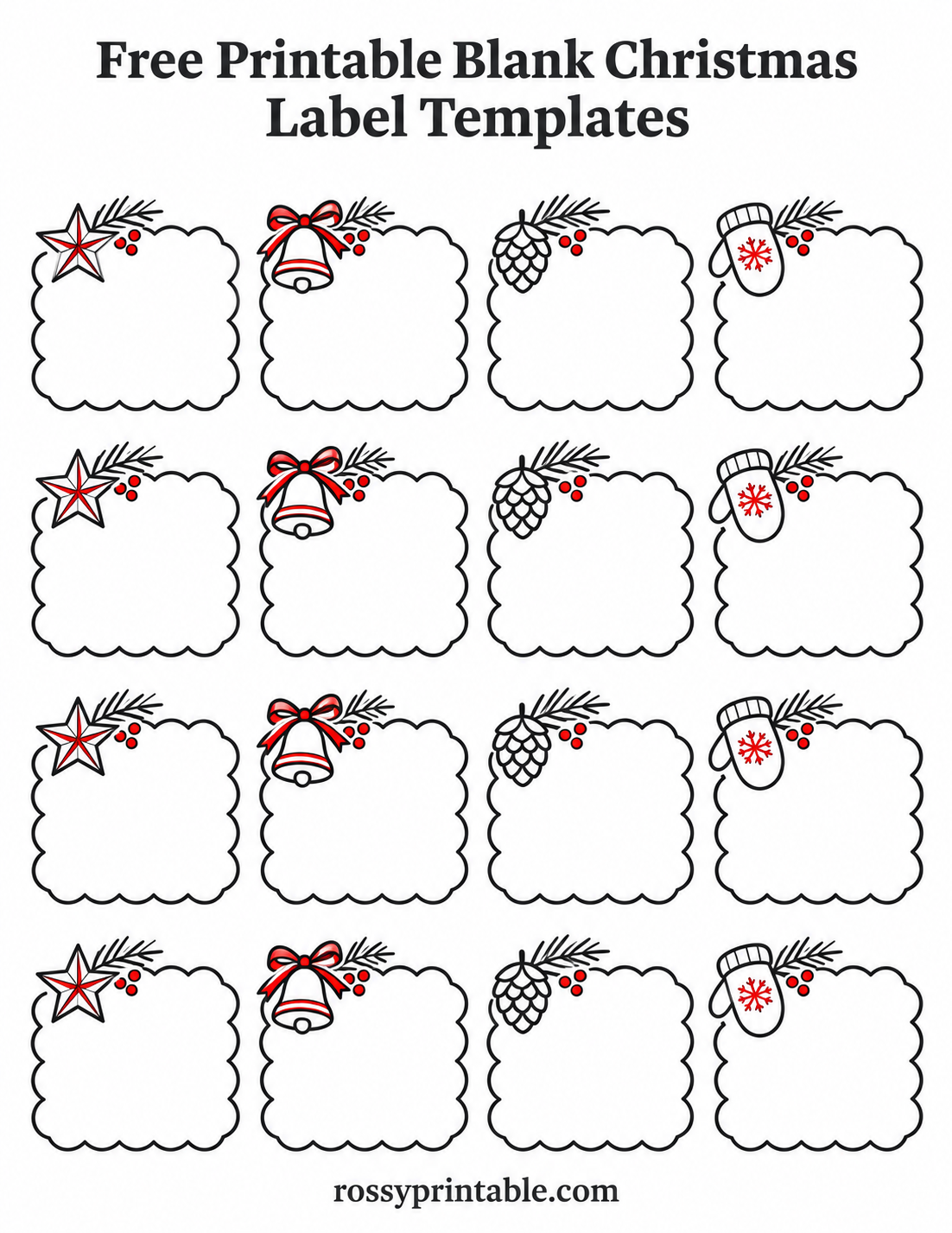
The mini sheet squeezes sixteen scalloped labels onto one page without adding text inside them. The corner drawings repeat as stars, bells, pinecones, and mittens with small red accents. Cut these for classroom treat bags, party favors, ornament packaging, or a little thank-you tied to a stocking stuffer. Since the shapes are compact, write a first name or a very short greeting and save the longer messages for one of the larger sheets.
How to print the blank Christmas label templates?
Use the download link under the sheet you want. It opens or saves the full original WebP file; the on-page picture may display a smaller preview to load faster. Save the original to your device before printing if your browser’s image viewer does not offer clear paper-size controls. A modern browser or photo app can open WebP, and you can place the image on a US Letter page in your preferred document or print app.
Select US Letter, portrait orientation, and a color setting if you want the red and green accents. Fit the image within the printer’s printable area while preserving its proportions. Avoid cropping or stretching the page; check the print preview to make sure the title, bottom watermark, and outer label edges are visible. The sheets are designed for regular paper or full-sheet adhesive paper that you trim yourself. They are not positioned to match a particular brand’s pre-cut sticker sheet.
Try one draft on ordinary copy paper. Hold the print against the gift or jar to judge the label size, then decide whether you want plain paper, lightweight cardstock, or full-sheet sticker paper for the final run. If using sticker paper or cardstock, check the package and your printer manual for compatible paper and feeding instructions. For printing from a correctly sized label document, Avery’s label printing guidance explains its Letter-paper and 100% scaling settings; those settings apply to a document already laid out at the intended physical size.
Cut, write, and attach your labels
Let a fresh print dry before cutting, especially on glossy stock. For the holly and pine designs, cut just outside the printed border; the dotted or dashed lines help guide your scissors. Use a ruler and craft cutter if you prefer very straight sides on the holly labels, taking normal care with a sharp blade. On the scalloped mini sheet, work slowly around the curves or leave a narrow white border to speed things up.
Write with a pen that suits your paper. A fine-tip pen keeps short names legible on the mini labels; a felt-tip marker can make the bigger hang tags stand out. If you plan to write on glossy sticker stock, test the ink first so it will not smear. You can use a label for “To” and “From,” a name with a gift exchange number, a batch name for homemade treats, or a personal note. The original artwork keeps those choices open by leaving the centers unprinted.
Attach paper labels with double-sided tape, a glue stick, a small piece of washi tape, or a ribbon through a punched hang tag. On jars and tins, wipe away dust and moisture before attaching adhesive paper. If you reuse a container, a removable adhesive can make cleanup easier. Keep little tags and loose twine away from very young children, and choose larger labels for gifts that will be handled repeatedly.
Other downloadable holiday label resources
If you need a file that you can type into before printing, WorldLabel offers a Christmas wreath label template for Word for its WL125 layout. It is a separate resource with its own dimensions, so check the matching stock before printing on pre-cut labels. Another option is WorldLabel’s fillable festive holiday label PDF, which can be personalized in a PDF reader. Those files are alternatives for people who want typed text; the four downloadable sheets above are original blank designs intended for handwriting.
Frequently asked questions
Can I print these on regular printer paper?
Yes. Print, cut out the labels, and use tape or glue to attach them. Lightweight cardstock also works for hang tags if your printer supports it. Full-sheet adhesive paper is convenient when you want to cut your own stickers.
Are these templates editable in Word?
The four original files here are WebP images with blank writing areas, so they are meant to be printed and filled in by hand. For typed entries, use a separate Word or fillable PDF template such as the linked resources above, or insert an image into a document and add your own text boxes before printing.
Which design is best for a cookie exchange?
Choose the wide pine labels when you want room for a batch name and recipient, the holly rectangles for gift boxes, or the mini scalloped sheet when you need many short-name labels at once. Print one test page to see which size works with your containers.