Table of Contents
Free Printable Christmas Labels – Make it easy to finish a stack of presents, mark homemade treats, address holiday mail, and organize seasonal supplies. These four original sheets are ready for US Letter paper. Choose the one that fits your task, download its full-size WebP image, and print as many copies as you need for your own holiday preparations. The designs leave room for handwriting, so you can personalize each label without opening a design program.
Free Printable Christmas Labels
Pick the Right Label for Your Project
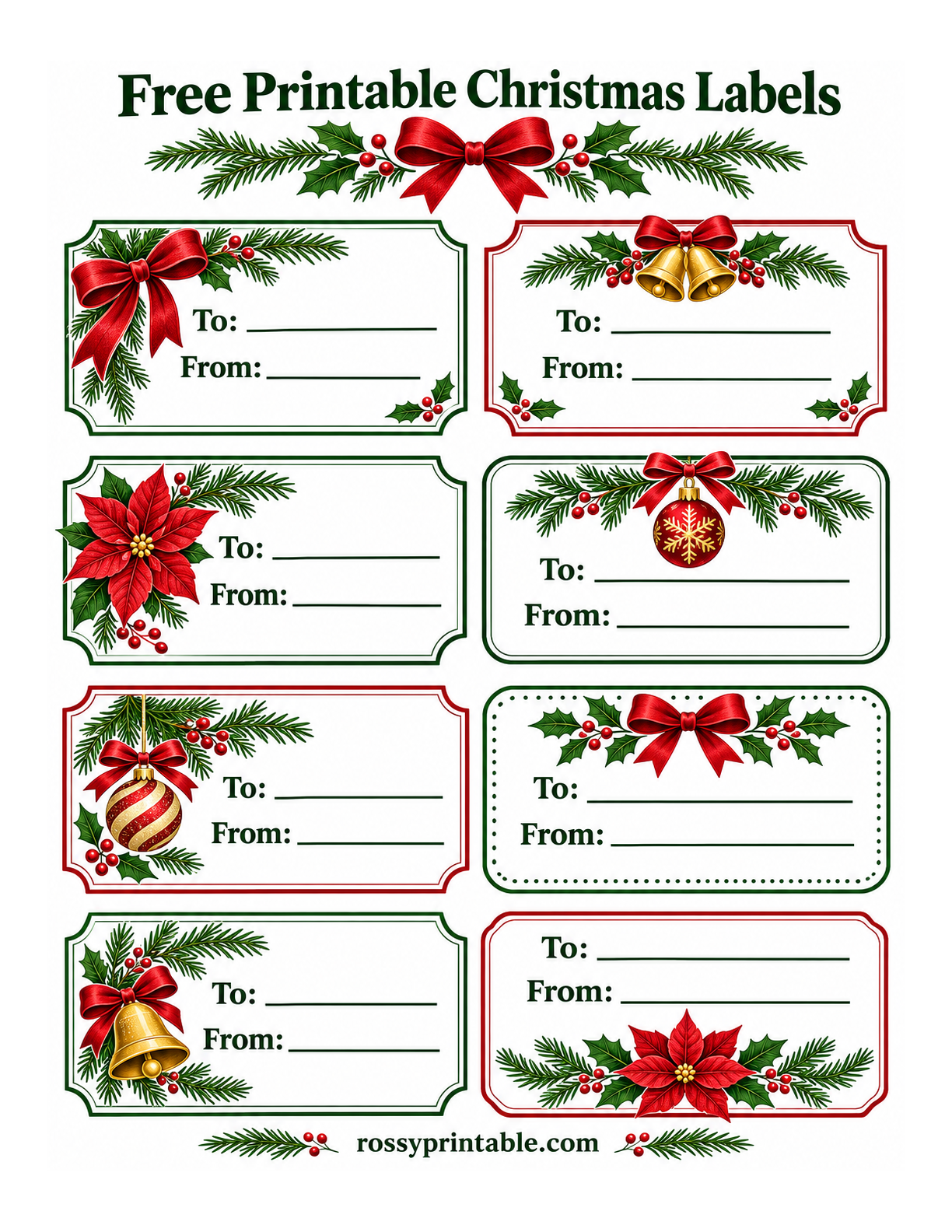
The first sheet is for wrapped presents. It holds eight generous gift labels in two columns, each with a clear “To” and “From” line. Evergreen sprigs, holly, bows, bells, ornaments, and poinsettias give the labels a traditional red-and-green look. Cut around each border, write the recipient and giver names, and attach it to a package with double-sided tape or a small piece of removable tape. The writing area works especially well when several people are exchanging gifts at the same gathering.
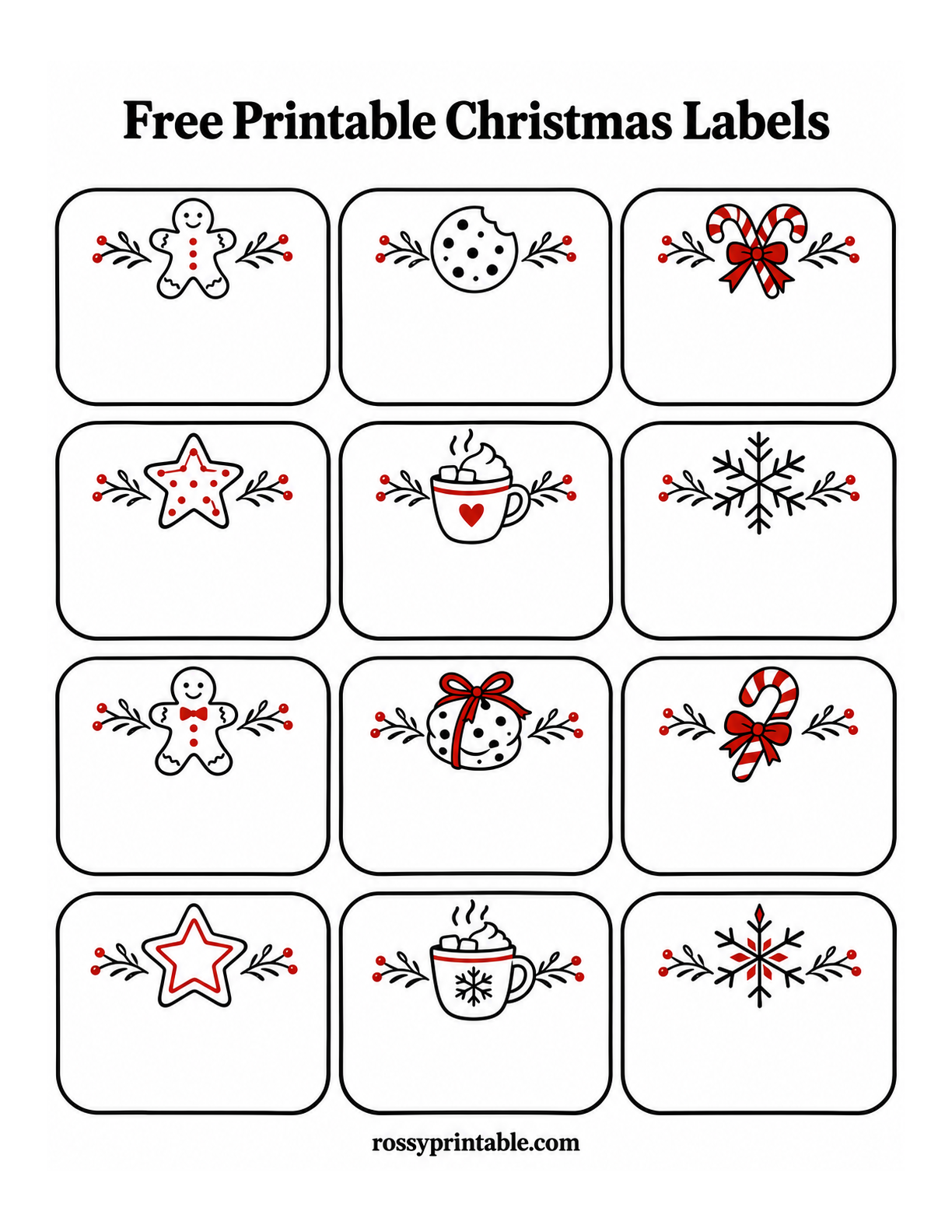
The second sheet is for smaller packages and homemade food gifts. Twelve rounded rectangles are arranged three across and four down. Simple gingerbread, cookie, candy cane, star, cocoa, and snowflake drawings sit above open spaces for a handwritten flavor, recipient name, or short message. The restrained black-and-red artwork uses less color than the first sheet. Try one on a cookie tin, a bag of wrapped treats, or the lid of a holiday craft kit. If the contents contain allergens, write that information clearly on the label or on a separate ingredient card.
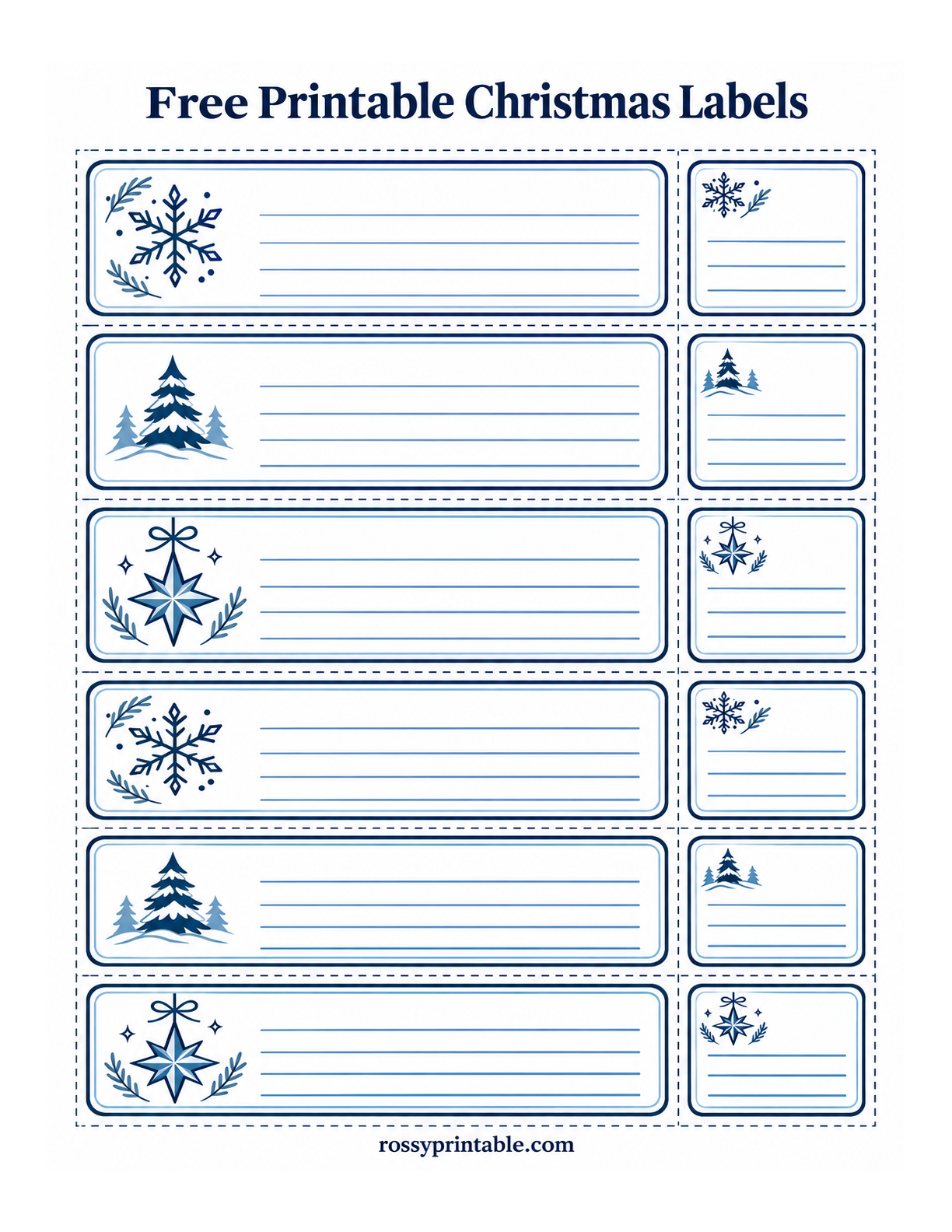
The third sheet pairs six longer mailing labels with six smaller matching labels. Navy and winter-blue snowflakes, fir trees, and hanging stars mark the rows, while the ruled spaces leave room for names and addresses. Write the full delivery address on a longer label and your return address on its small companion. These are blank handwriting templates, so check that your lettering is dark, clear, and large enough to read before placing them on envelopes or parcels. Keep decorations clear of postage and any shipping barcode.
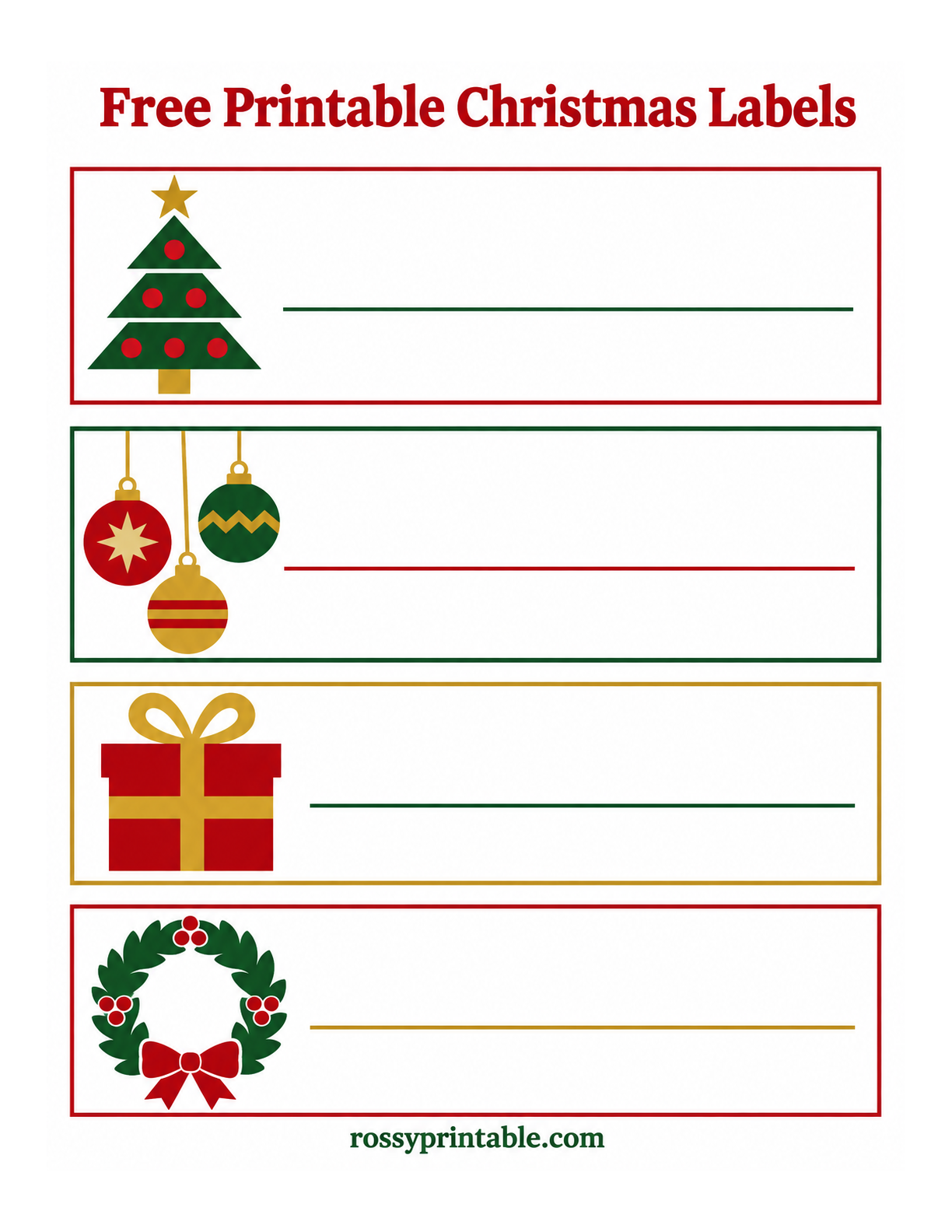
The fourth sheet gives you four oversized labels for Christmas storage. A tree, hanging ornaments, wrapped present, and wreath distinguish the rows, and the wide blank spaces can hold practical descriptions such as “tree lights,” “mantel garland,” or “gift wrap.” Put one on each storage box before packing away decorations. For bins you reuse every year, write on a small piece of paper first and attach it inside a clear sleeve, so you can replace the description without printing another whole page.
How to Print Free Printable Christmas Labels?
Start with the download link directly below the sheet you want. It opens the original full-size WebP file, which is a better choice for printing than saving the smaller image shown in the article. Each download measures 1224 by 1584 pixels and has the proportions of US Letter paper. Open the file in an image viewer or browser that can print images, select 8.5-by-11-inch paper, and choose portrait orientation.
In the print dialog, select “Fit to page” or the equivalent setting that keeps the entire sheet inside your printer’s margins. Avoid “Fill page” if it crops the title, outer borders, or website credit. Print one test sheet on ordinary paper first, especially if you plan to use a new printer or heavier stock. The layouts have white space around the artwork, but printers differ in how much of a page they can cover. If your test sheet feels too small, adjust the scale slightly while checking that nothing near the edges disappears.
Use plain printer paper for quick labels, white cardstock for sturdier cutouts, or full-sheet adhesive paper for stickers. These are custom sheets rather than templates matched to a particular brand of precut label stock. If you use full-sheet adhesive paper, follow the paper maker’s instructions about which side faces up in your printer. Let ink dry before cutting to avoid smudges, then cut around the printed outer borders with scissors or a paper trimmer. A fine-tip pen makes names and addresses easier to fit on the smaller spaces.
For a tidier present-wrapping station, print the gift and treat sheets together and keep a few labels already cut out in an envelope. Add names before tying ribbons so you do not forget which parcel belongs to whom. With the mailing sheet, write addresses first and compare each envelope to your contact list before sealing it. For storage labels, use broad lettering that remains readable on a shelf at a glance.
More Ways to Make Holiday Labels
If you want to change fonts, colors, or wording before printing, browse Canva’s Christmas label templates. For a project focused specifically on envelopes and cards, its Christmas mailing label templates offer editable alternatives. Those are separate design resources; the four downloads above are the finished, ready-to-print sheets featured on this page.
Frequently Asked Questions
Do I need a special label printer?
No. A regular home inkjet or laser printer can print these full-page images on compatible US Letter paper. Check your printer’s guidance before using adhesive sheets or heavy cardstock. You can also print on ordinary paper, cut out the labels, and attach them with tape.
Can I type directly into the downloaded labels?
These WebP downloads are finished images with open areas for handwriting; they do not contain editable text fields. You can write on the printed labels, or place the image in your preferred editing software and add text boxes before printing. Keep added text within the blank areas and recheck the print scale after editing.
Which sheet is best for mailing a Christmas card?
Choose the blue winter sheet. It has longer ruled areas for destination addresses and smaller companions for return addresses. Write addresses in dark ink and check that each one is complete. For a stack of cards, print a test copy before preparing the entire batch.