Table of Contents
Free Editable Christmas Gift Tags to Personalize and Print – Make it easy to finish a wrapped gift with a name, a warm note, and a little Christmas artwork. Download one of the four original sheets below, add your own text in an image editor or write on the printed tags, then cut them out. Each sheet fits US Letter paper and offers a different approach to last-minute holiday wrapping.
Free Editable Christmas Gift Tags to Personalize and Print
Choose the Christmas Gift Tag Sheet That Fits Your Gift
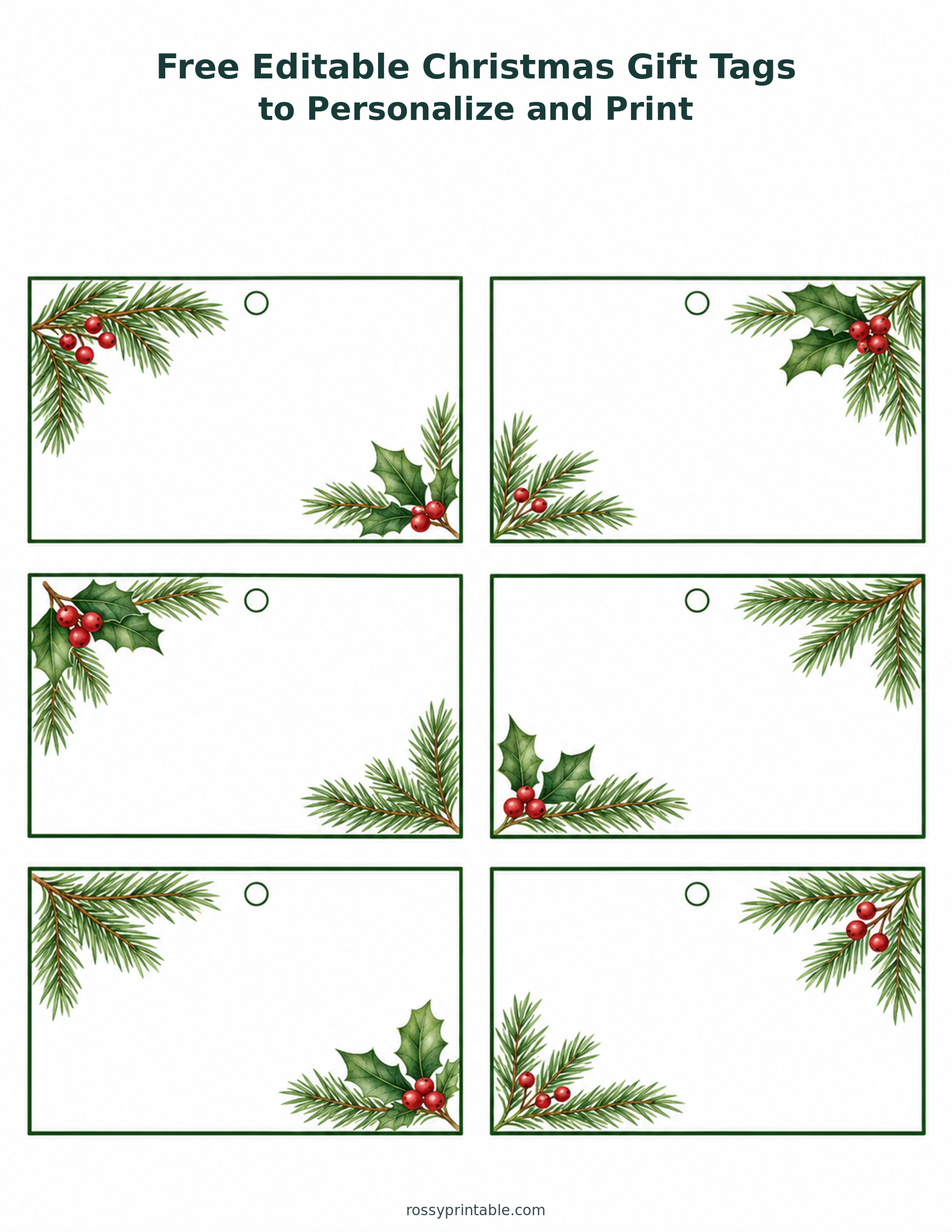
The evergreen sheet has six rectangular tags with fine green borders, pine sprigs, and holly berries. It pairs well with kraft paper, red ribbon, or plain white gift wrap. Its broad white centers leave room for a recipient’s name and a short message. Print one page when you have several presents for relatives or neighbors and want a coordinated look without repeating the exact same greenery arrangement on every tag.
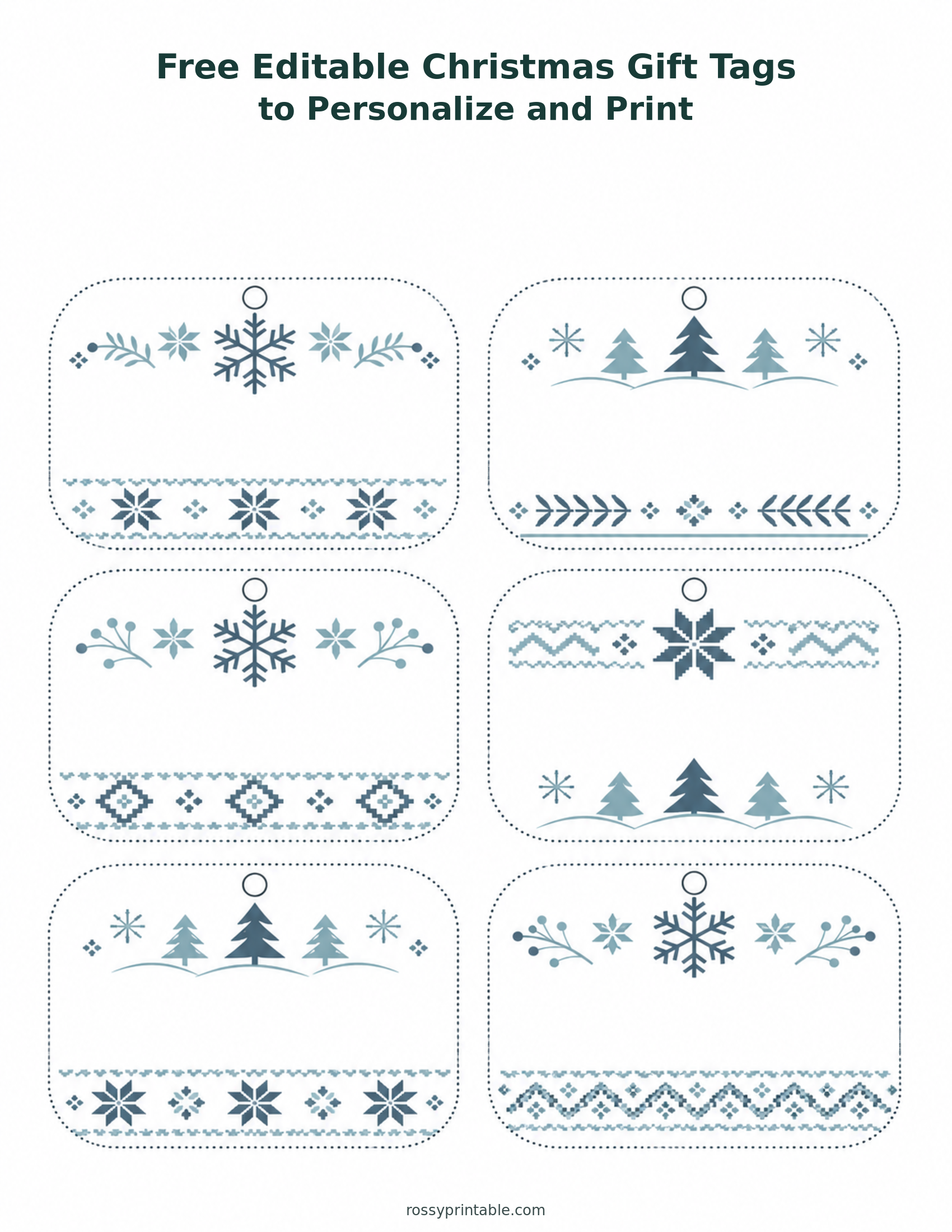
The Nordic winter sheet also holds six tags, but its rounded shapes, dotted outlines, snowflakes, little trees, and blue knit-like motifs give it a cooler feel. Choose it for winter birthdays, office gift exchanges, or Christmas presents wrapped in blue, silver, or white. The patterned bands frame a generous open middle, so a typed or handwritten name stays easy to read.
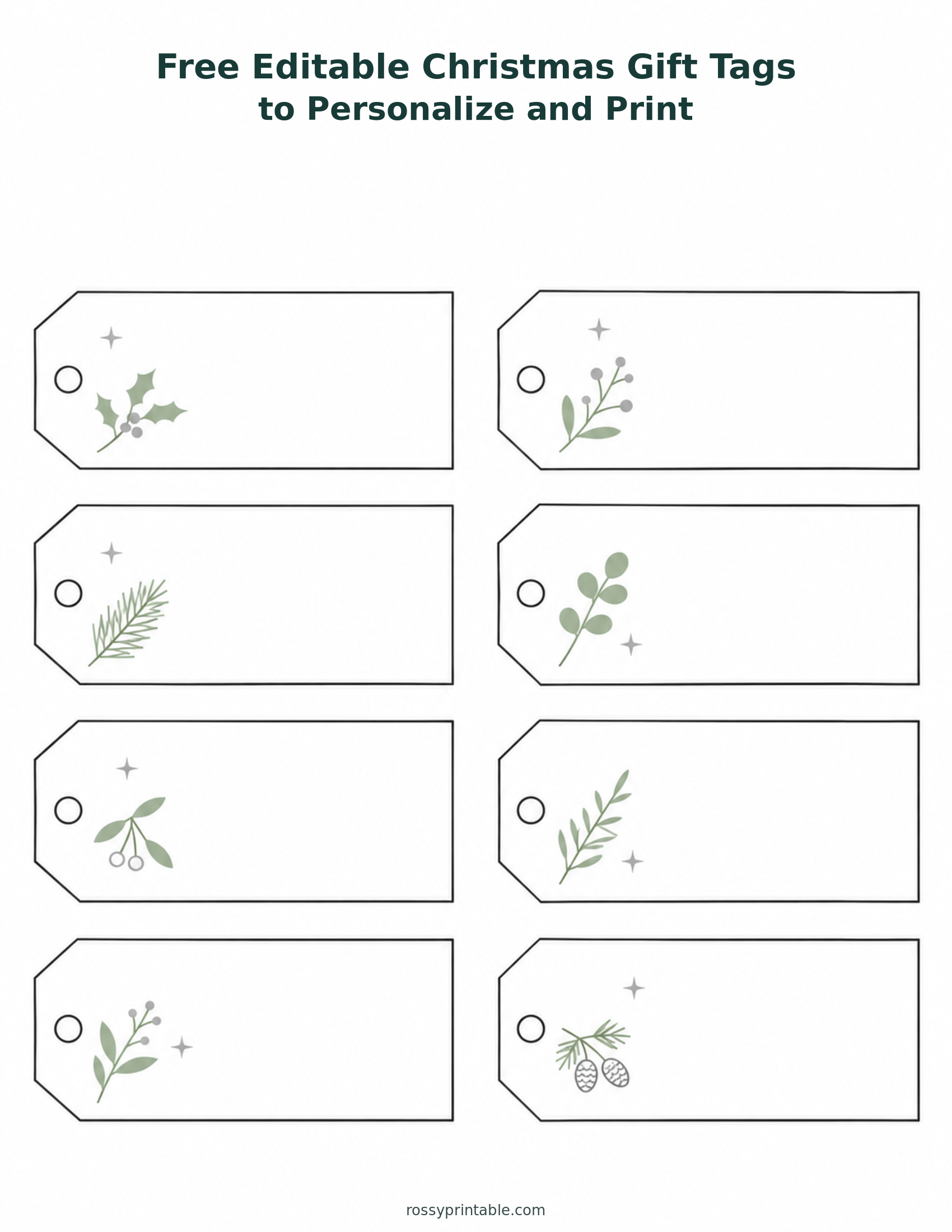
For a longer gift list, the low-ink botanical sheet gives you eight tags per page. Each tag has a thin dark outline, an angled left end, a small punch circle, and a restrained sage or gray plant accent. There is little solid color to print. You can add a family name, a gift exchange number, or a short handwritten greeting while leaving the simple illustration visible.
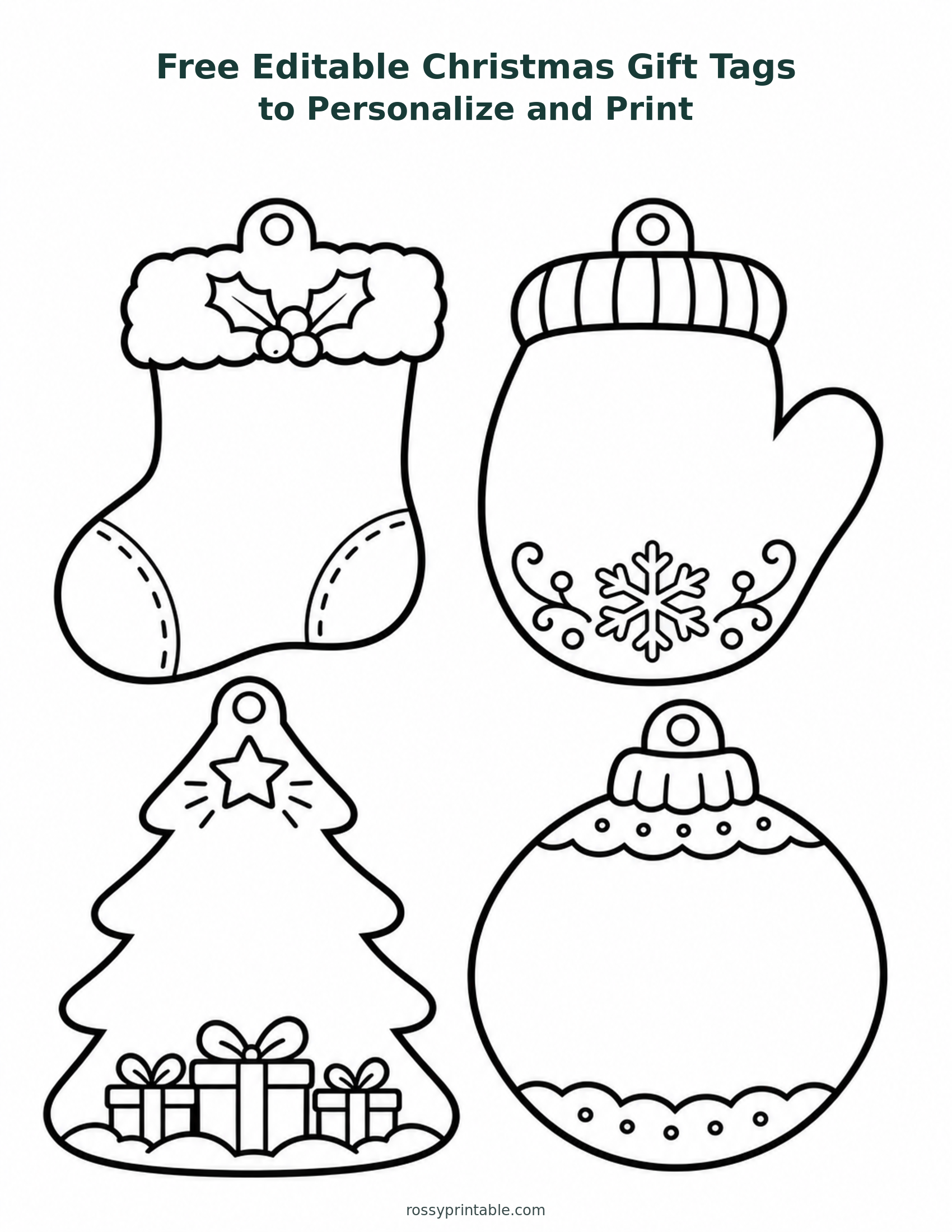
The fourth sheet is an activity as well as a way to label presents. Its four large black-and-white tags are a stocking, a mitten, a Christmas tree, and a round ornament. Children can color the line art and add their own names or drawings in the open areas. An adult can handle the scissors and hole punch, especially around the shaped edges.
How to Personalize Free Editable Christmas Gift Tags to Personalize and Print?
These downloads are lossless WebP images with open space for custom text. They are not fillable PDFs or Word forms, and the artwork does not have built-in text fields. To personalize a tag on screen, save the WebP, open it in an image editor that accepts WebP, and place a separate text layer inside the empty area of each tag. Type the recipient’s name, your name, and any short greeting before exporting or printing the finished sheet.
Keep typed text away from the border, hole marker, and decorative corners. A dark green or charcoal font usually reads well on these white centers. For the winter sheet, a dark blue font can echo the motifs without making the name hard to see. Check names carefully before printing several copies; a test print catches crowded names, unexpected font substitutions, and a printer that scales the page.
If you would rather use a pen, print the blank sheet first. Write “To” and “From” wherever they fit naturally, or put the recipient’s name on the front and your note on the back. A fine-tip marker works well on matte cardstock. Test a spare corner if you are using glossy paper, since some inks smear before they dry. The coloring sheet is especially easy to personalize after printing.
Print, Cut, and Attach the Tags
Download the original file using the link directly beneath the sheet you want. On a computer, open the saved image and choose US Letter paper, portrait orientation, and a normal or high-quality setting. Print at the image’s full-page fit while keeping the whole design within the paper; do not crop it to fill the page. Each original measures 1700 × 2200 pixels, so the aspect ratio matches 8.5 × 11-inch paper.
For tags that hang from ribbon, try white or light-colored matte cardstock around 65–80 lb cover weight if your printer supports it. Plain printer paper also works when attached flat with tape. Print the low-ink sheet on regular paper for quick labeling, or use heavier stock for sturdier reusable tags. If the printer’s dialog offers “borderless” mode, leave it off; these pages already have clean outer margins.
Let the ink dry, then cut along each outside edge. For the evergreen tags, follow the thin green rectangle. For the Nordic sheet, follow the rounded dotted outline carefully. Cut the angled corners on the botanical tags as drawn. The coloring sheet has curved shapes, so turn the paper as you cut and leave a small white margin if the line art is close to the edge.
Use a standard hole punch at the printed circle or hanging loop, thread twine or a narrow ribbon through, and tie the tag onto the package. On the evergreen and Nordic designs, the hole markers are near the top edge; on the botanical sheet they sit at the angled left end. For very young children, color first, then have an adult cut and punch. You can also skip the hole and fasten a tag with washi tape.
Other Editable Christmas Tag Resources
If you need a true fillable PDF instead of an image you can personalize with a text layer, WorldLabel offers a direct rectangular Christmas gift label PDF. Its download page explains how to type names in the PDF using a compatible desktop PDF reader. Check its label size before printing onto precut adhesive stock. The four sheets above are original cut-out designs and work best on full US Letter paper.
Quick Questions
Can I type directly into these WebP gift tags?
You can add text in an image editor, but a WebP does not contain interactive form fields. Put names on a new text layer before you print, or use a pen after printing. The separate WorldLabel PDF linked above is an option if you need form-style typing.
Which sheet uses the least ink?
The eight-tag botanical sheet uses mostly white space, narrow outlines, and small pale accents. The black-and-white coloring sheet is another sensible choice if you plan to add color with pencils or markers instead of your printer.
Should I print at actual size or fit to page?
Start with the printer’s fit-to-page option for US Letter paper, preserving the entire image. If your software offers an “actual size” preview that includes all four page edges, that can work too. Print one test page before making copies, and keep scaling consistent if you want the same tag size across multiple sheets.