Table of Contents
Foldable Christmas Card Templates to Color and Print – Make it easy to turn a coloring session into a personal holiday greeting. These four black-and-white sheets offer a roomy wreath card, two smaller cards on one page, a four-panel gingerbread and tree design, and a winter village card. Download the original WebP sheets below, print on US Letter paper, color the pictures, and add a handwritten message before giving or mailing your card.
Foldable Christmas Card Templates to Color and Print
Choose a card for the person receiving it
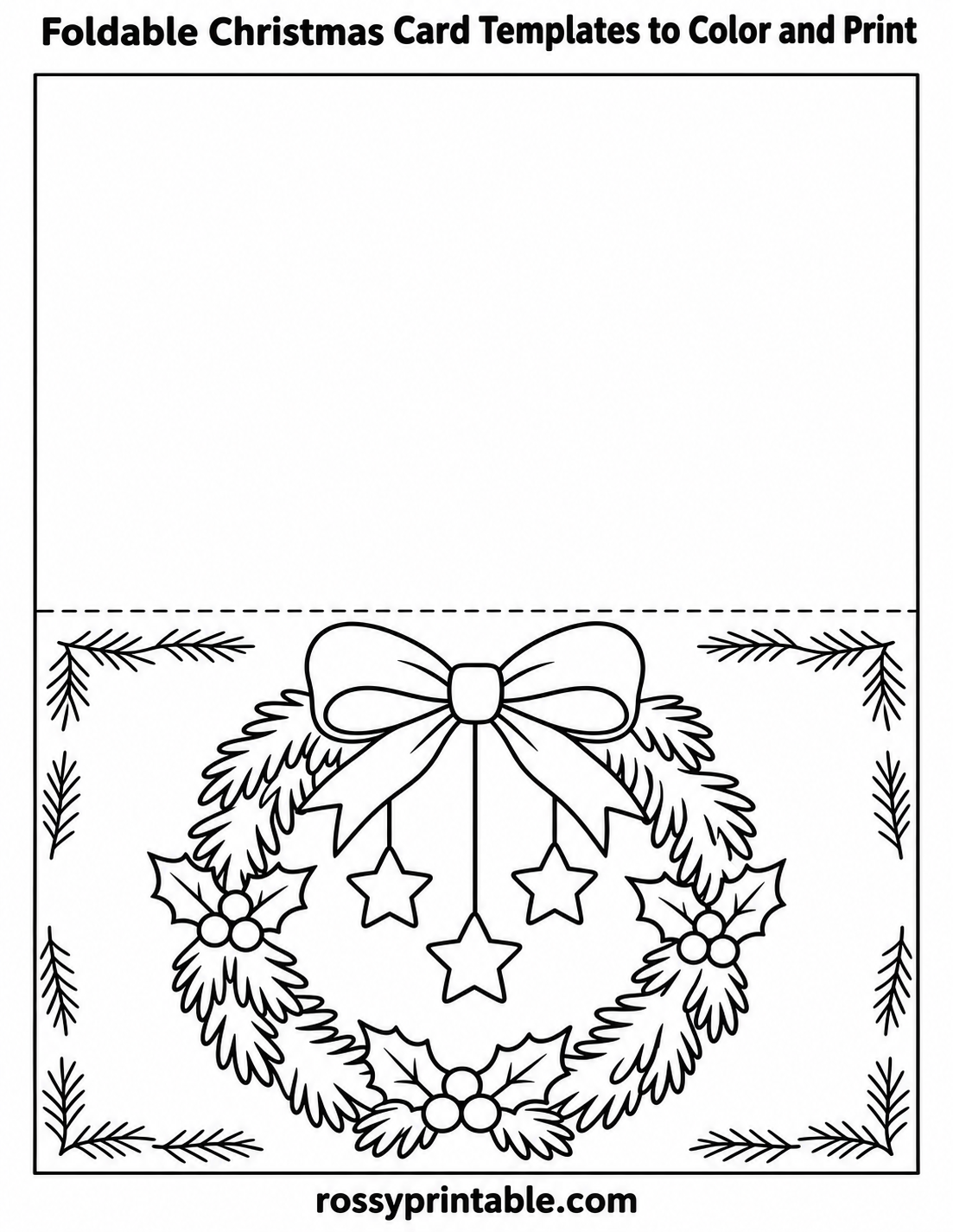
The wreath sheet has one big design with broad spaces between the pine branches, holly berries, bow and three dangling stars. It is a good choice for a child who wants to use crayons or for an adult who wants to add carefully shaded greens and reds. The upper half is open for a note. Color the lower wreath panel as the front, then write on the blank panel before you fold.
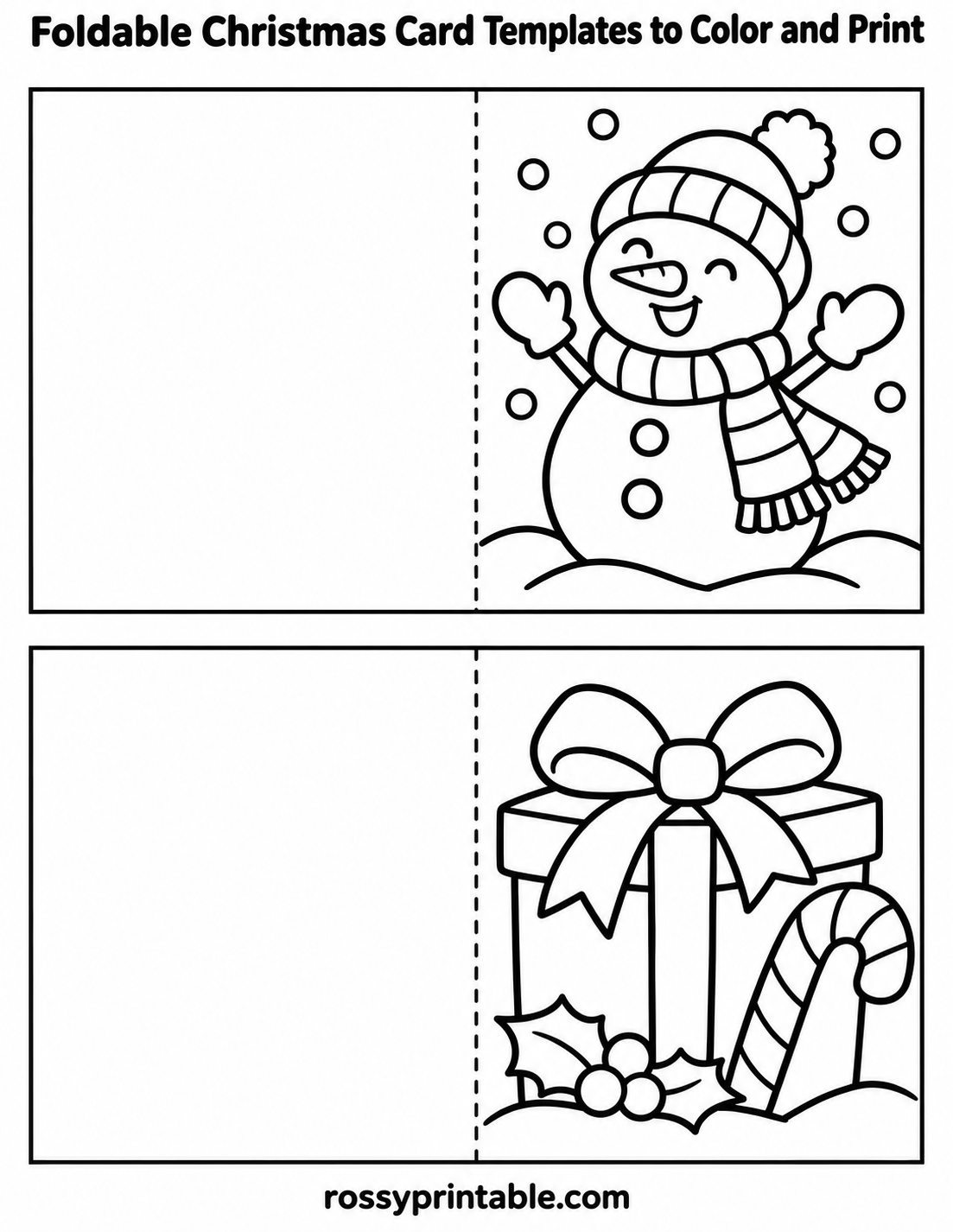
The two-card sheet is useful when several people need greetings at once. One card features a smiling snowman in a hat and scarf; the other has a large ribbon-wrapped present, holly and a candy cane. Each card has its own outline and a dashed vertical fold. Color both front panels first, cut the two rectangles apart along their solid outer borders, and fold each at its dashed center line. Their blank halves leave space for a short thank-you, teacher greeting, or gift message.
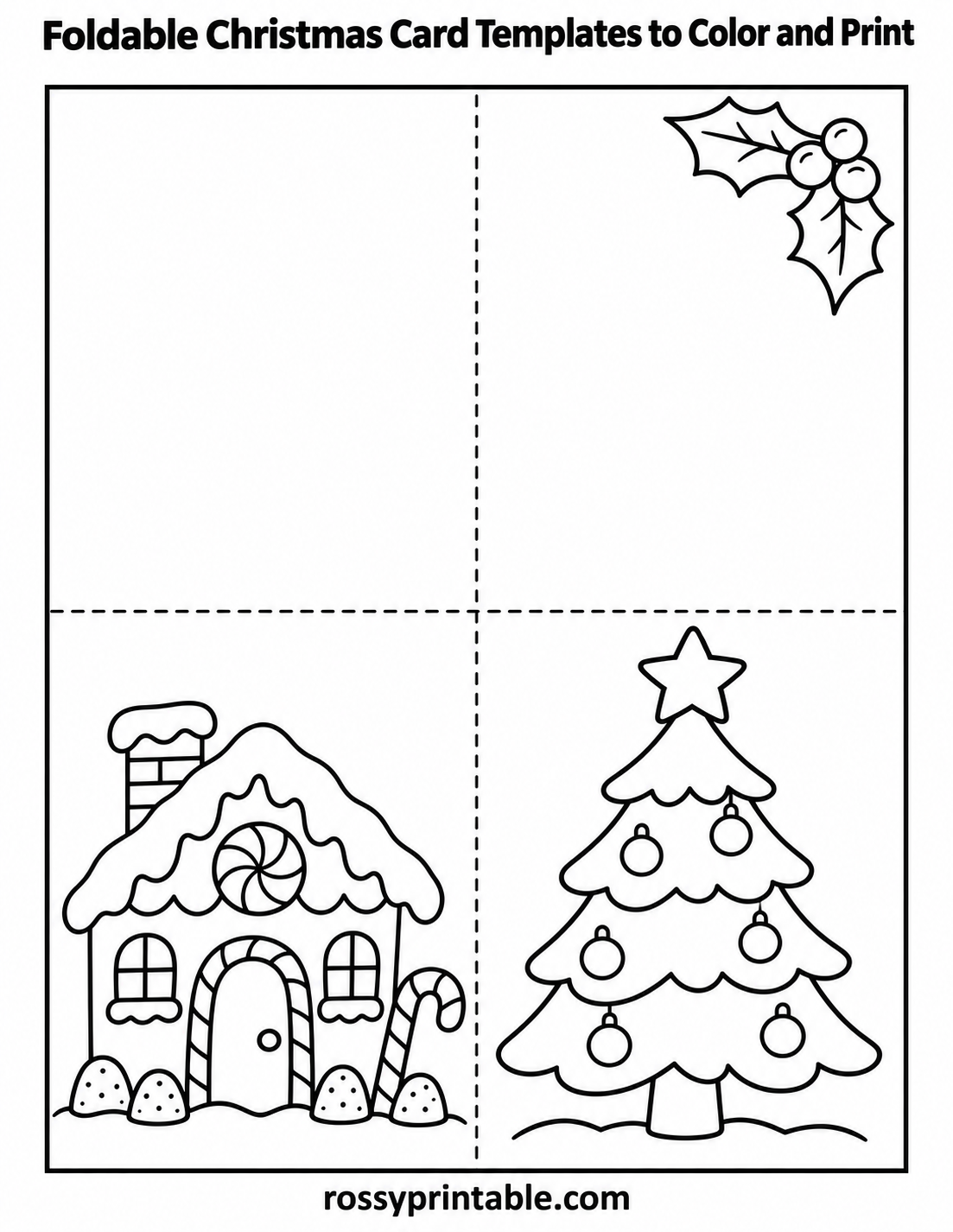
The four-panel sheet offers two coloring scenes on the lower row: a gingerbread house with a candy cane and a decorated Christmas tree. A small holly cluster sits in the upper-right panel; the upper-left panel is mostly clear for a note. Its two crossing dashed lines make it a flexible folding project. For a quarter-fold greeting, fold carefully along both guides and check the panel order on a plain-paper test print before writing your final message. You can also leave it unfolded as a four-panel holiday drawing.
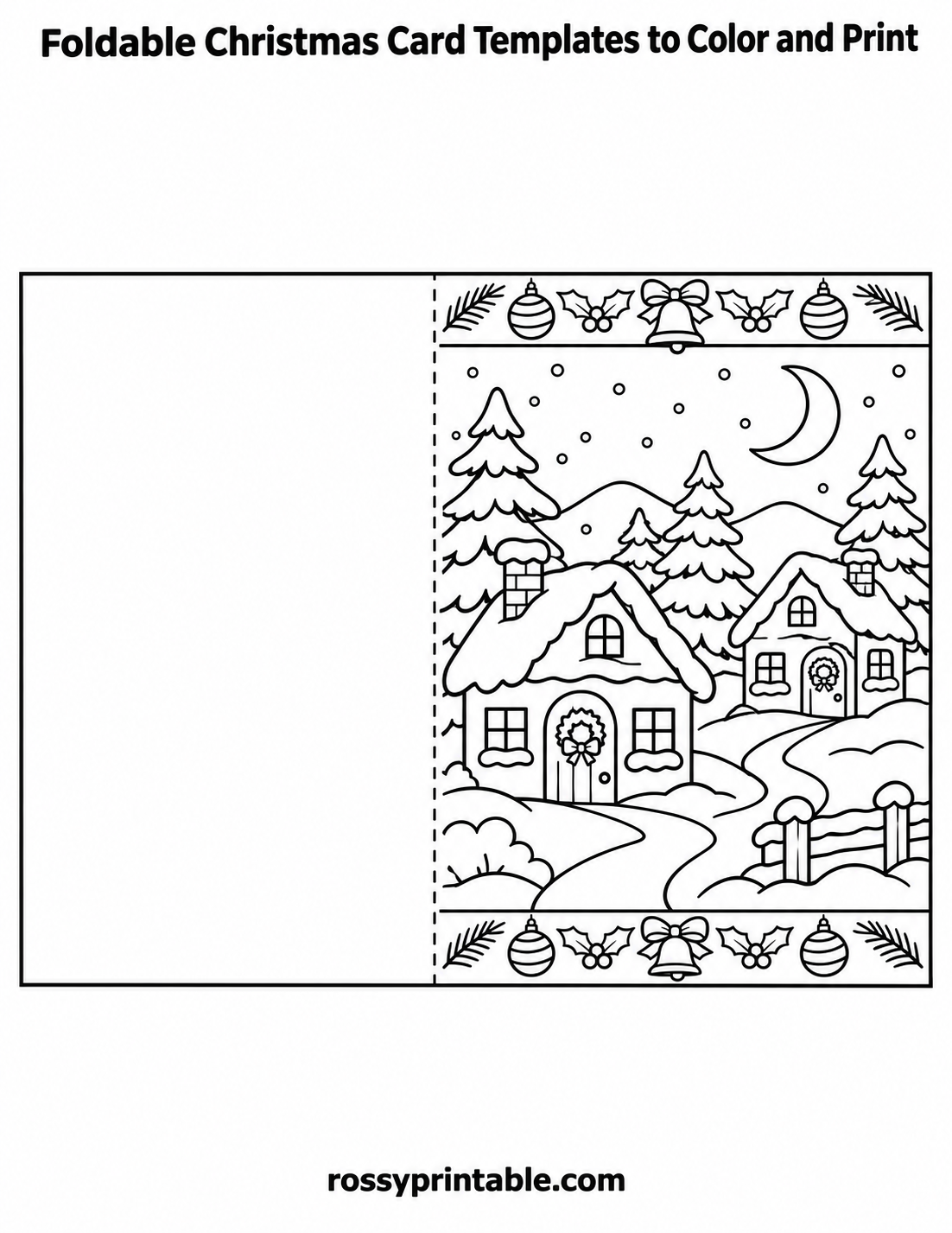
The winter village sheet has the most detailed picture. Snowy cottages, pines, a curved path and ornament borders fill the right front panel, while the left half is open for a personal note. It works well for colored pencils, especially if you want to tint the sky, roofs and snow without covering the dark outlines. Cut around the single central rectangle and fold on its vertical dashed line.
How to print and fold the Christmas card templates?
Open the download link for the design you want. The link points to the full original WebP, which is the version to save and print. In your print dialog, choose US Letter paper, portrait orientation and a normal or best-quality setting. Set scaling to 100% or actual size when your printer can fit the drawn borders inside its printable area. If the page preview clips a border, use the printer’s fit-to-page option and make a test copy. Do not print a screenshot of the page; it may make the outlines blurry or change the size.
Plain printer paper is fine for practice and coloring with pencils. For a sturdier card, use white lightweight cardstock that your printer accepts. Check the paper specification for your printer before loading heavy stock. Crayons and colored pencils are easiest to control on these open line drawings. If you use markers, try one on a scrap first; ink may bleed through ordinary paper and make the message side hard to use.
Color before cutting so the sheet stays flat on the table. Keep dark marker strokes away from the fold line if you want a clean crease. Use scissors to follow the solid rectangle surrounding the card, then crease only the dashed guide. A ruler or the edge of a clean table can help make the fold straight. There is no need to trim the watermark into the card; it sits outside the card outline. Adults should handle cutting for younger children.
The wreath template folds horizontally: bring its top and bottom halves together at the dashed center line. The mini cards and winter village card fold vertically. The quarter-fold sheet has both a horizontal and vertical guide; try the folds gently before pressing them flat so the desired illustration faces outward. For an easy family activity, print an extra practice copy and let children test the fold order first.
Simple ways to personalize your finished cards
Ask each maker to choose colors that fit the recipient. A grandparent might enjoy a favorite color worked into the wreath bow. A neighbor may appreciate a bright snowman, while a teacher may like the two small cards because one can become a quick thank-you note. Add a few handwritten details inside: a specific holiday memory, a wish for the coming year, or a drawing made just for that person.
You can turn coloring into a group station at a Christmas gathering. Set out the printed sheets, pencils, crayons, scissors, envelopes and a jar of pens. Let guests pick a design, color at their own pace and leave a short note. Put the two-up snowman and gift sheet at the table when supplies or time are limited; it gives you two separate cards from one page. The wreath and village sheets give older children or adults more room for detailed coloring.
For mailing, measure the finished folded card before choosing an envelope. The cards have different layouts, and home printers can scale pages differently. If your final card does not fit a standard envelope, use a larger envelope or give it by hand with a gift. A sticker or small piece of tape can keep a folded card closed during a hand delivery, but avoid placing adhesive over your artwork.
More coloring-card inspiration
For another printable approach, see HP Printables’ holiday coloring cards. Its page also describes a print, color, fold and share activity. Use the four original downloads above for the exact cards described here, and save your finished greetings as keepsakes after the holiday.