Table of Contents
Printable Merry Christmas Greeting Cards – Make it easy to send a personal holiday note without waiting for a store run. These four original, letter-size sheets give you a choice of a foldable wreath card, two ready-to-cut illustrated mini cards, a winter village design, and a pair of cards children or adults can color. Download the full-size WebP for the sheet you want, then print and finish it at home.
Printable Merry Christmas Greeting Cards
Choose a card for the person receiving it
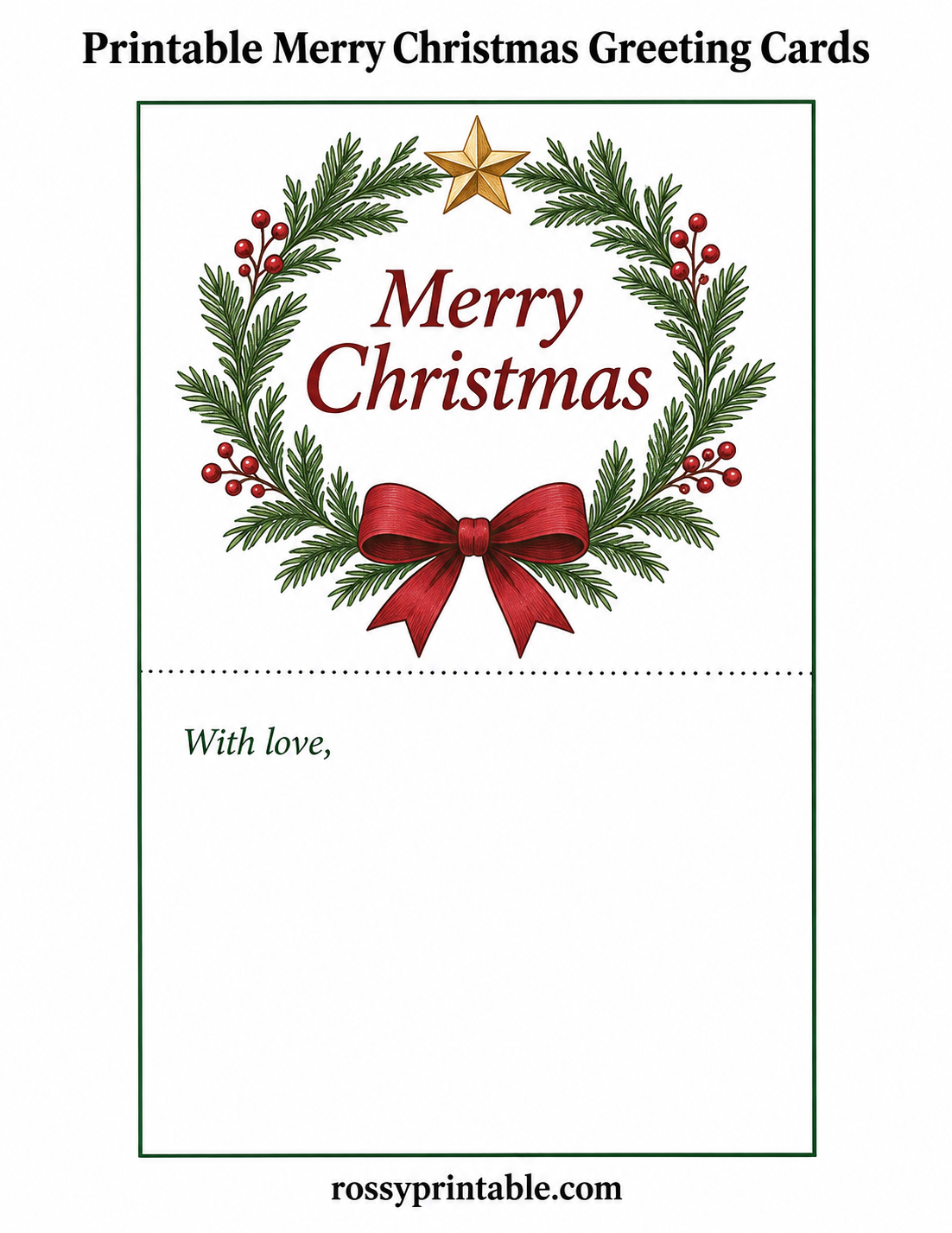
The wreath sheet is the most traditional option. Green evergreen sprigs, red berries, a red bow, and a small gold star frame the Merry Christmas greeting. A dotted line divides the illustrated section from a roomy white panel headed “With love,” so there is space for your own message. Trim along the outer rectangle, crease gently at the dotted line, and try the fold on a plain-paper test copy before writing on your finished card.
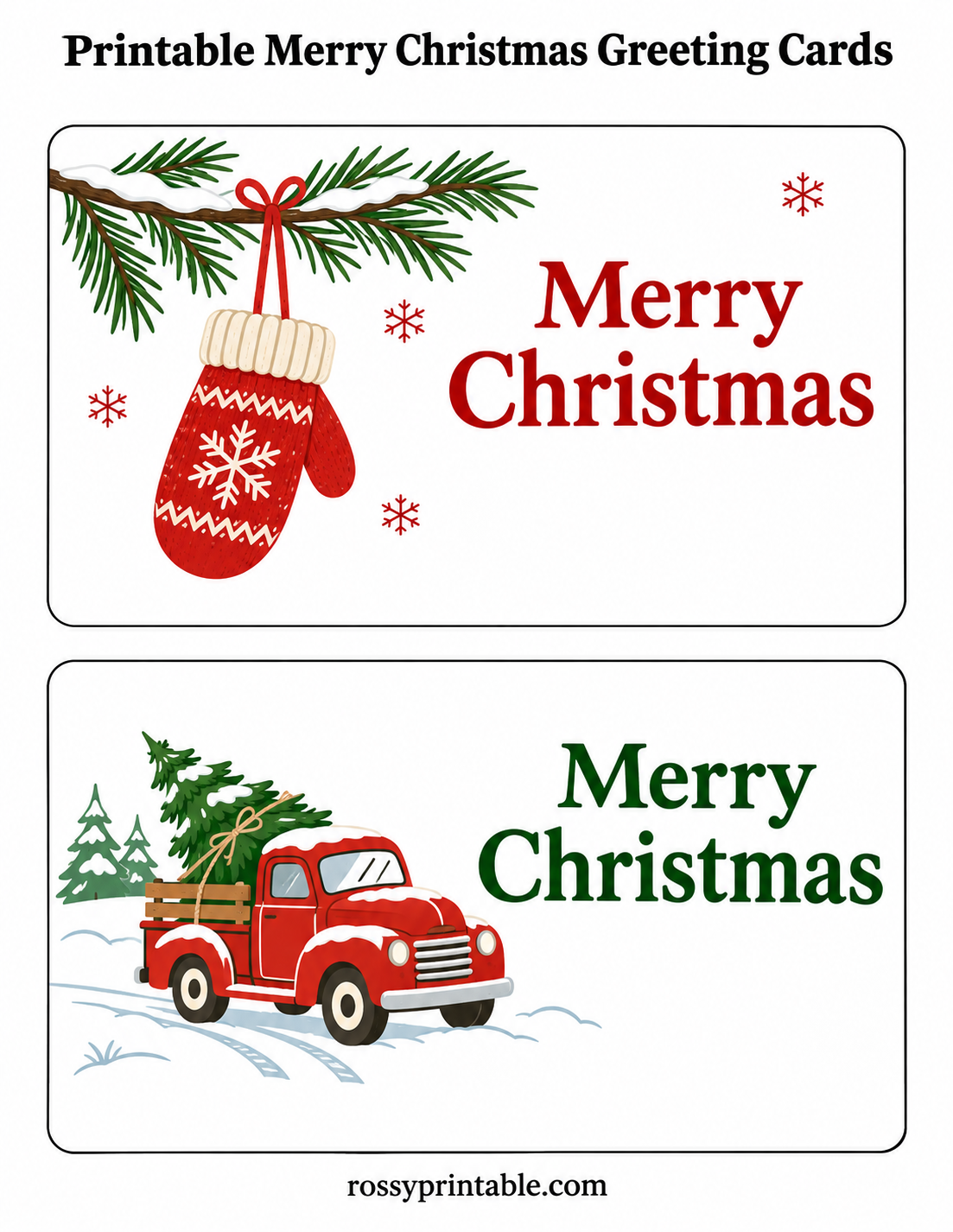
The mitten and truck sheet gives you two separate flat mini cards from one page. One shows a red knit mitten hanging from a snowy pine branch; the other has a red pickup carrying a Christmas tree along a winter road. Cut around the two card borders. Keep them as quick gift enclosures, tuck one into a lunch or care package, or write a short message on the blank back of each cut card.
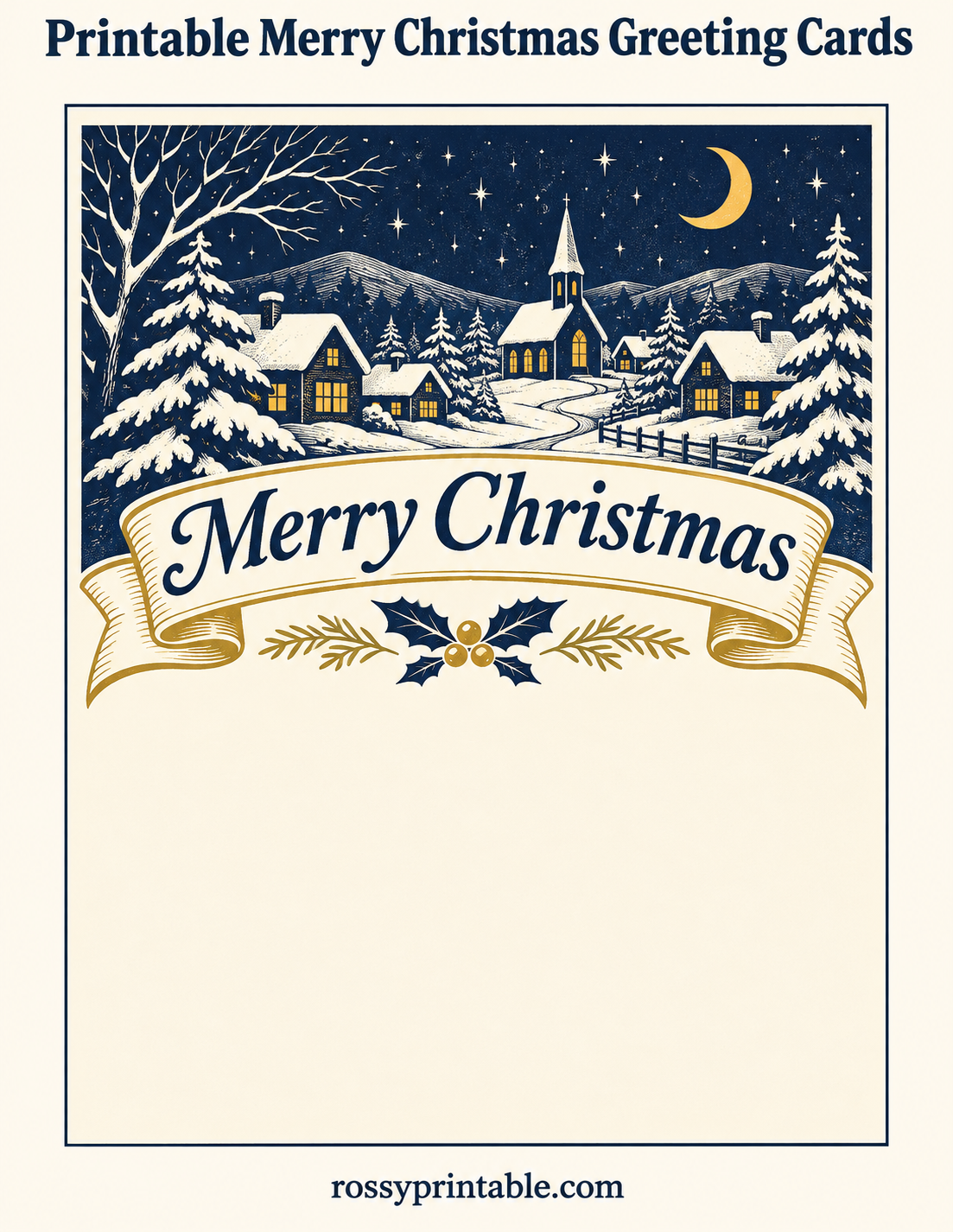
For a quieter look, use the winter village sheet. Its deep blue sky, snowy trees, glowing windows, crescent moon, and large Merry Christmas ribbon make a dramatic front. The pale open area below the illustration is a useful place for a signature or a brief handwritten wish. This is a flat card front on a full sheet: trim the outline and use it as a large greeting, or mount the cut artwork onto a separately folded piece of cardstock if you want a traditional opening card.
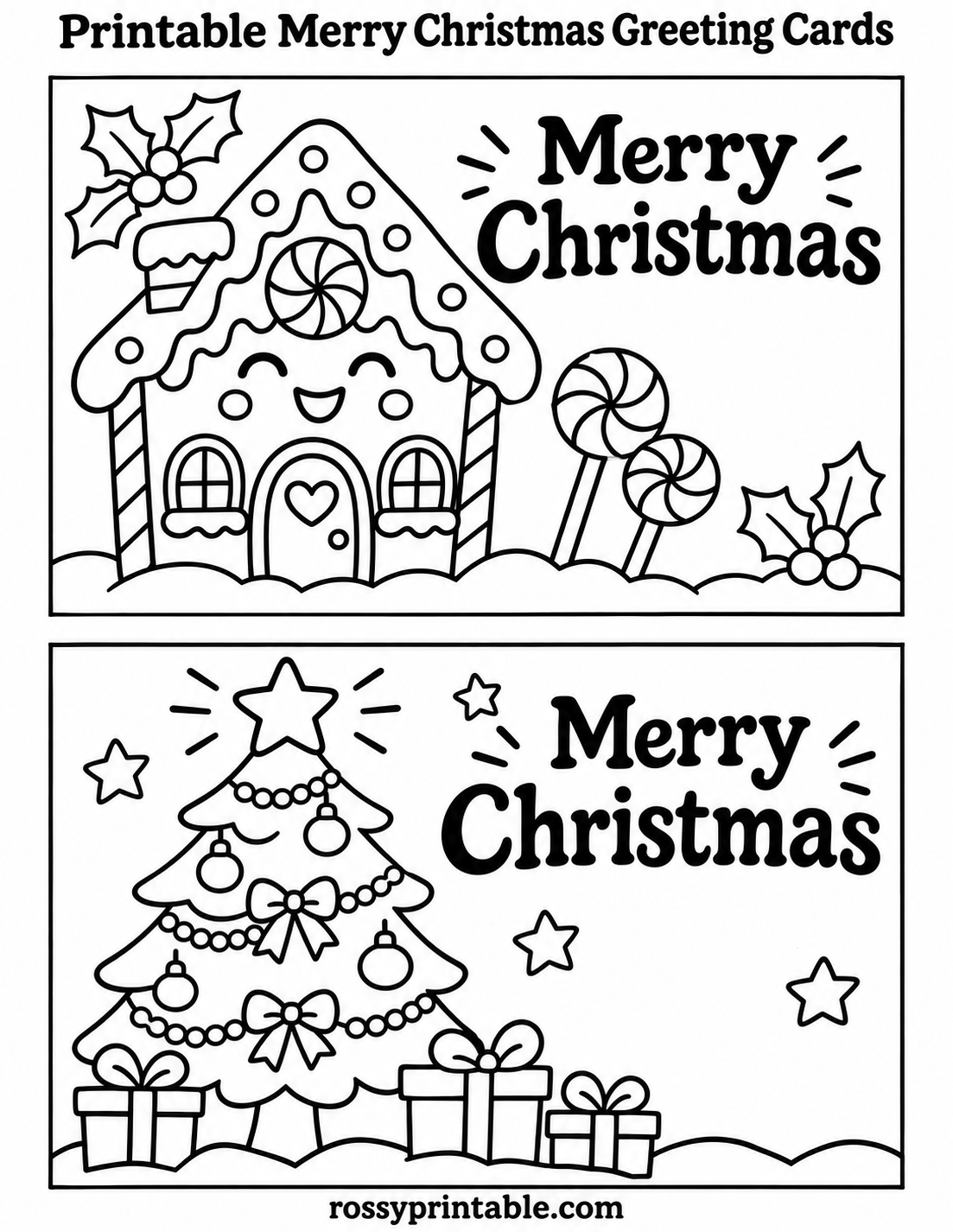
The coloring sheet is made for participation. It has two outlined designs: a gingerbread house with peppermint candy, and a decorated tree with presents. Each card says Merry Christmas. Children can color the broad shapes, while adults can add fine details, stickers, or metallic pencil accents. Cut the two cards apart after coloring so the paper stays easier to handle while everyone works.
How to print these Christmas greeting cards?
Start by choosing the visible download link directly beneath the design you like. It points to the original lossless WebP, which is the best version to save for printing. Open the file in an image viewer or your browser and choose Print. Select US Letter paper, portrait orientation, and the highest practical quality setting. Choose “fit to page” or “fit to printable area” if the printer warns about clipping; inspect the preview to make sure the header, cut lines, and small website credit all remain on the page.
Print one test on ordinary copy paper first. Check that the artwork is centered and that your scissors can reach all four sides of the card boundary. If your printer changes the scale, keep the same setting for your final copy; switching between “actual size” and “fit” can change the finished card dimensions. These sheets are designed for letter-size paper, but the exact cut-card size can vary with printer margins and scaling.
For a sturdier card, try matte white cardstock that your printer can feed safely. Check the printer manual for its supported paper weight and choose the cardstock or heavyweight-paper setting when available. If the sheet jams or smears, use a lighter stock and let the ink dry completely before cutting or folding. The village design uses more dark ink than the other three; the line-art coloring sheet is the most economical option if you are printing a stack for a classroom or family gathering.
Use a ruler and craft knife on a protected cutting mat for straight borders, or use scissors for a relaxed handmade edge. A bone folder, the back of a clean spoon, or an empty ballpoint pen can help score the fold gently before you bend the wreath card. Keep sharp tools with an adult during group activities. For the two-up sheets, cut the outside rectangles and write on the reverse after the cards are separated.
Easy ways to personalize each greeting
A short, specific note makes even a simple printable feel special. On the wreath card, mention a shared memory or say what you appreciate about the recipient. On the truck card, write a playful line about bringing holiday cheer. The mitten card works well for a neighbor, teacher, or friend when you only need a couple of sentences. The winter village design leaves room for a longer wish beneath its illustration.
For the coloring cards, set out pencils or markers and ask each person to pick a favorite Christmas color combination. Let children add their names or a small drawing on the back. If you are sending cards through the mail, choose an envelope after you have cut and folded the printed card; measure your finished piece instead of assuming a standard envelope size. Add a return address and confirm current postage before mailing.
You can also make a small card-making station. Print several copies of the two-up sheets, place scissors and colored pencils nearby, and leave a short list of people to thank. A guest can finish a card in a few minutes and take it home or leave it for you to mail. Save a clean master copy of each WebP so reprints do not pick up accidental marks from a scanned or photographed card.
More printing help and card ideas
For tips on checking card panels and making a plain-paper test print, see Avery’s guide to printing cards at home. For another letter-size, print-and-fold Christmas card to explore, visit HP’s Christmas card download page. Use the four original downloads above for the designs described in this article.