Table of Contents
Christmas Cards to Customize Online and Print: Four Designs
Choose a Card for Your Recipient
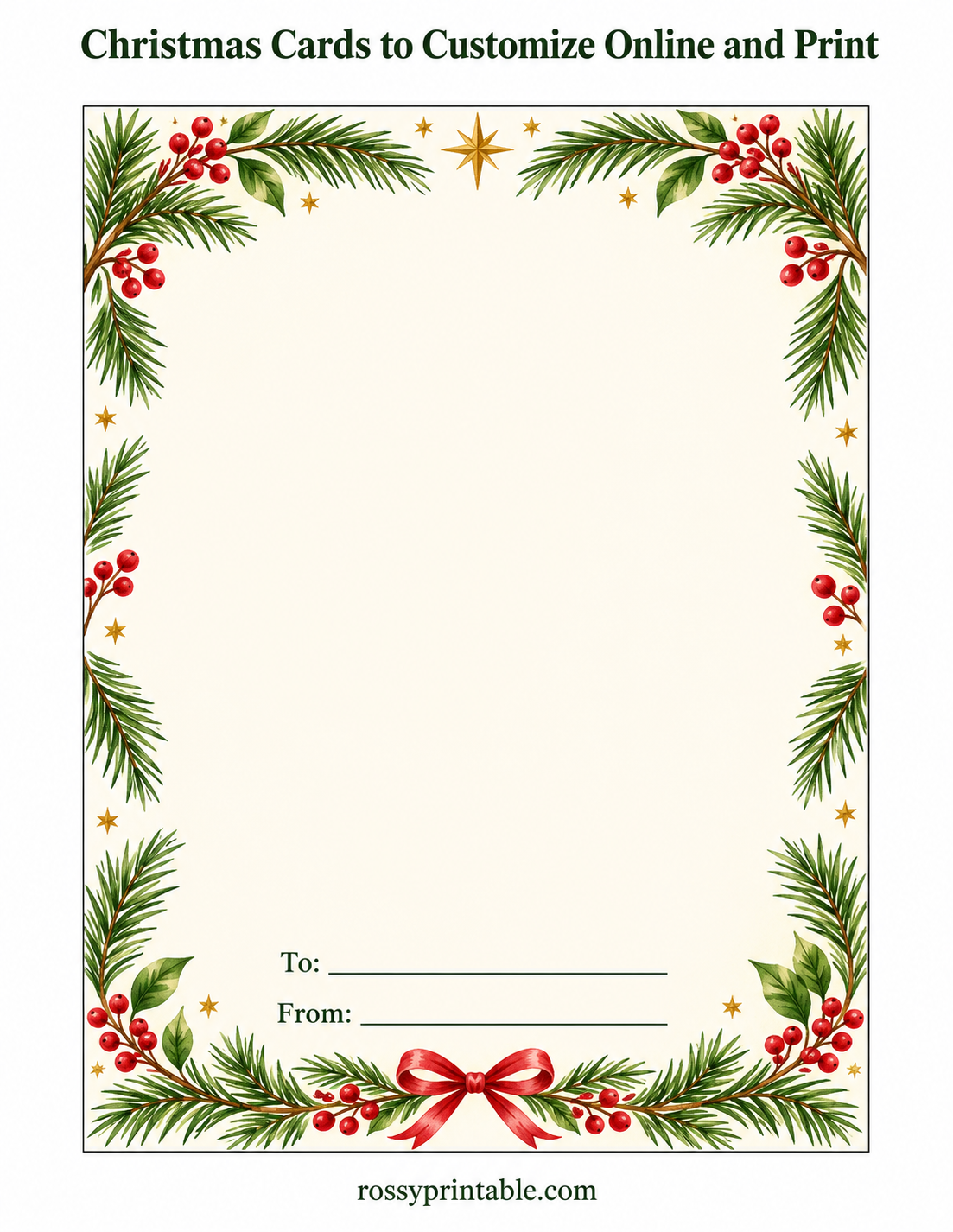
The botanical page has evergreen sprigs, red berries, and small gold stars around a generous cream center. It works especially well for a longer note to grandparents, a neighbor, or a friend you have not seen in a while. The printed To and From lines at the bottom make it easy to finish by hand. If you add typed text, keep it away from those lines and the decorative border.
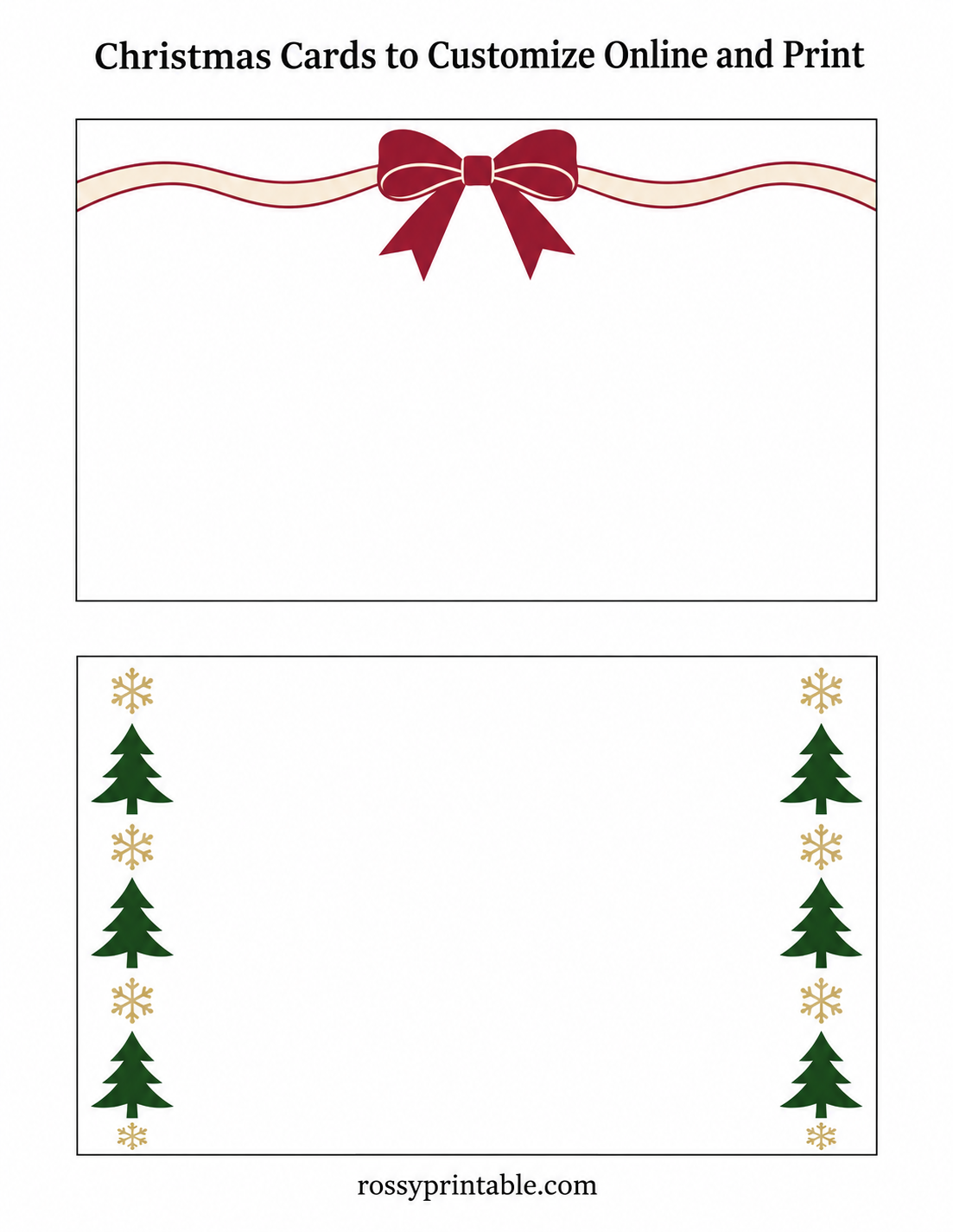
The two-card sheet is the practical choice when your mailing list is growing. Its top landscape card has a red ribbon and bow, while the lower one has green trees and small gold snowflakes along the sides. Both have open centers for a short greeting. Print one sheet, cut around the two separate rectangles, and you have two different cards without switching files or loading a second piece of paper.
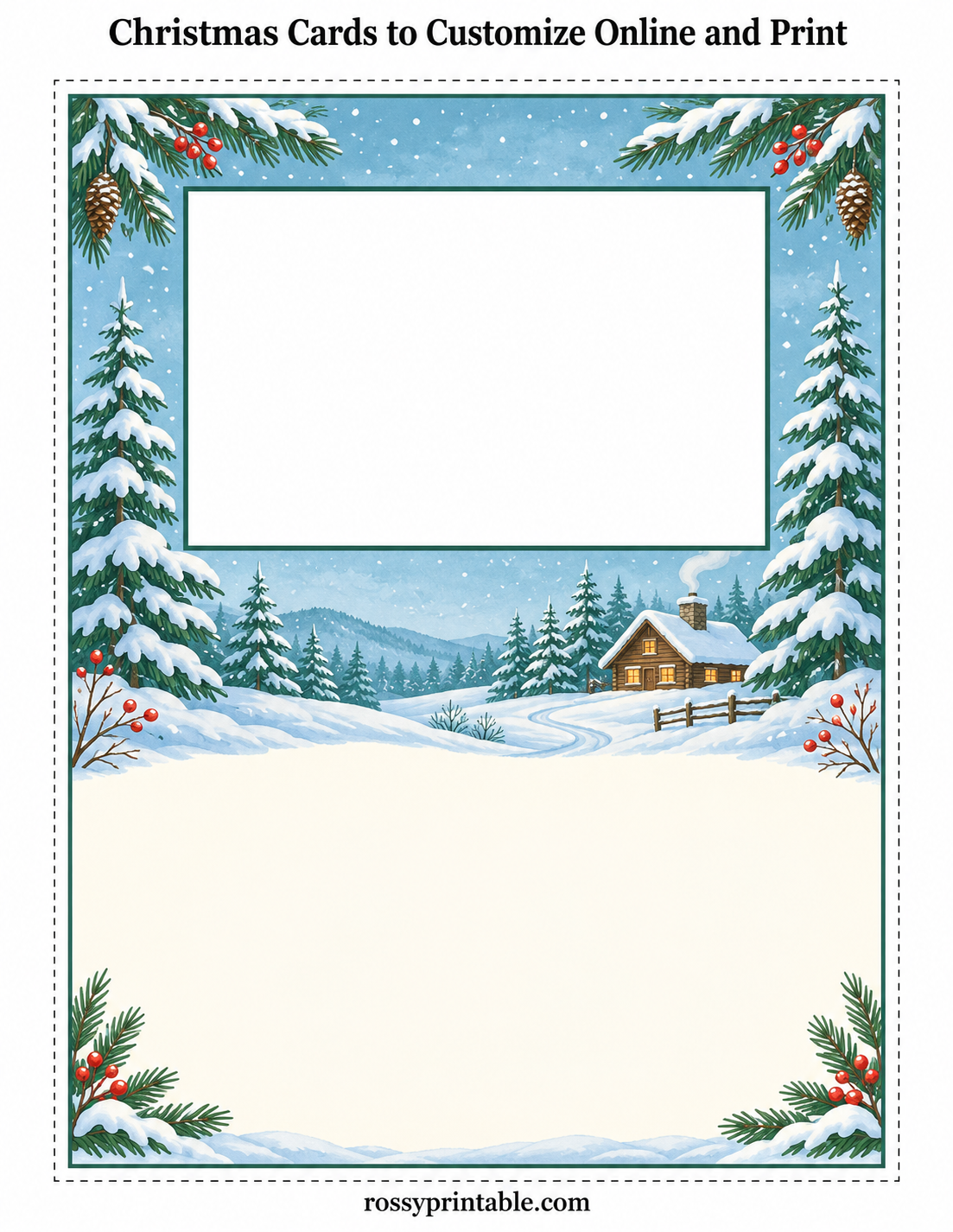
The snowy page pairs a winter cabin scene with a blank rectangular photo area near the top. Add a family snapshot in that rectangle, then write a holiday update in the open area beneath the cabin. The image area is blank in the downloadable design, so you can choose the photo yourself. A picture with the main faces toward the middle usually looks best because the border sits close to the rectangle.
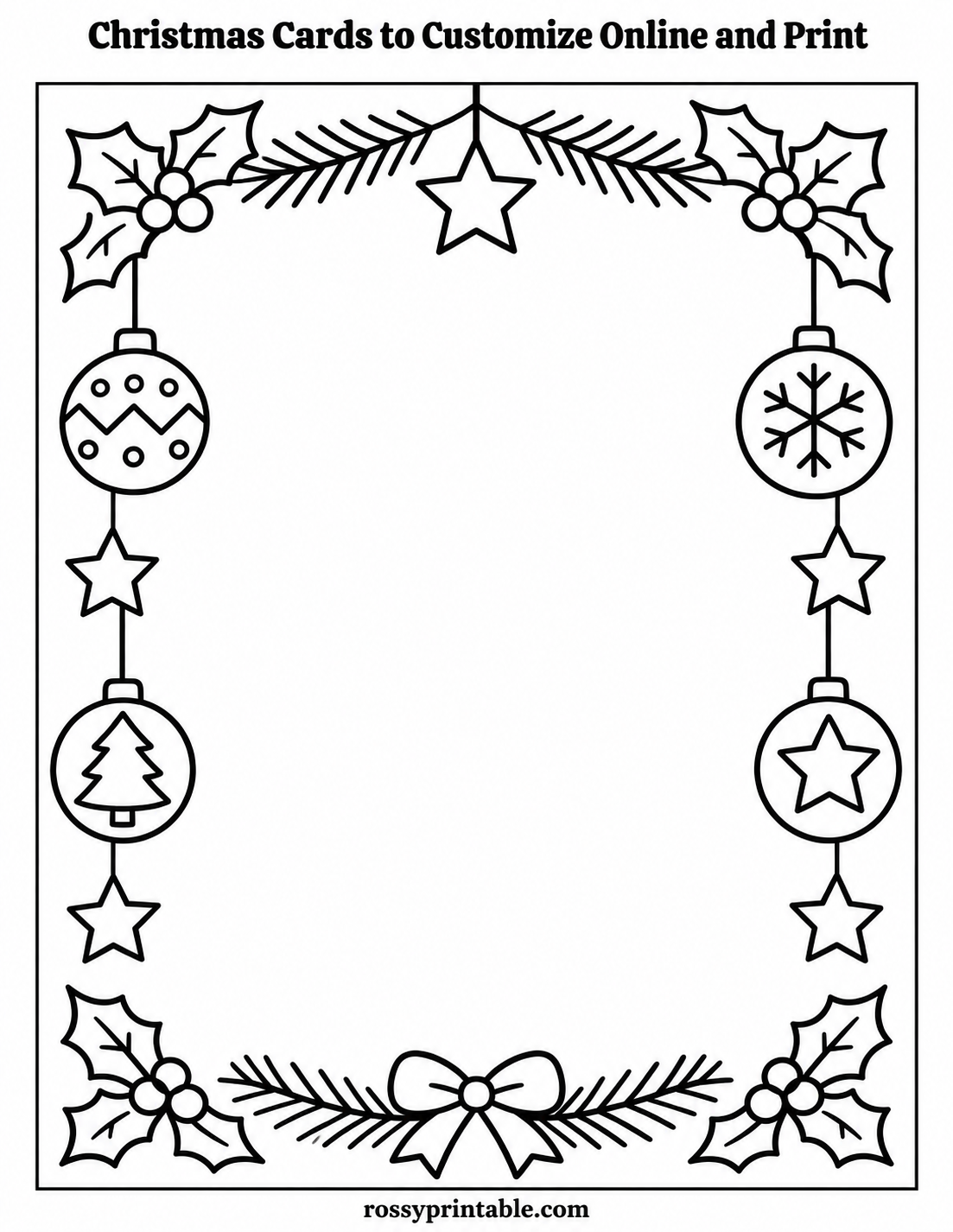
The black-and-white page is a creative option for children and adults who like to color. Holly, pine, stars, and hanging ornaments frame a broad white center. Color the outlines before writing your message, or leave the drawing uncolored for a clean, ink-saving card. Colored pencils are handy here because they give you control near the lettering and leave the writing area dry.
How to Customize These Christmas Cards Online?
Save the original WebP file using the download link beneath the design you want. In a browser-based editor that accepts image uploads, create a US Letter portrait canvas and place the entire image on it without cropping. Treat the uploaded image as a flat background. The decorative elements in a WebP are part of the picture, so add a separate text box on top of an open area to make your greeting editable.
For the photo design, upload a photo separately and position it over the empty white rectangle. Resize from the corners so people and pets are not stretched. Check the picture at full view, then add a greeting below the cabin scene. For the other designs, a short message can sit in the middle without competing with the border. Choose a readable, dark font and leave breathing room at all sides of your text.
If you need an editor, Canva’s Christmas card maker and the Adobe Express Christmas card maker offer online tools for adding text or photos and preparing a card for print. Upload one of these finished sheets as your own background if your chosen editor supports WebP. Check its import options first; you can convert a copy to PNG if the editor does not accept WebP. Keep the original WebP for the clearest download here.
Save a copy for each household so names do not get mixed up. Before printing a batch, proofread names, punctuation, dates, and the sender line. If you are preparing multiple versions, give your files distinct names such as “Aunt Lisa card” and “Neighbors card.” A careful final read is quicker than reprinting a stack of cards.
Print and Trim on US Letter Paper
Use 8.5 × 11-inch paper in portrait orientation. The artwork already has a white outer margin. Select actual size or 100% scale when your printer supports it, and check the print preview to be sure the heading, card outline, and footer all fit within the printable area. Some printer dialogs default to a crop or fill option; change that setting if any edge disappears. Print one test sheet before you use your good cardstock.
Bright white cardstock gives the botanical and snowy illustrations a sturdy finish. For the two-card sheet, a medium-weight cardstock is easier to cut and mail than very heavy paper. Ordinary printer paper is fine for a trial run or for the coloring version. Set your printer to color for the first three designs; grayscale is enough for the outline page. Allow fresh ink to dry before trimming or coloring.
Cut along the straight rectangular borders with scissors or a paper trimmer. The dashed line on the snowy page marks its outside trimming area. If you want to keep the printed title and website footer for reference, leave the whole page uncut; if you want just the card, trim inside the surrounding white sheet while preserving the illustrated border. These are single-sided flat card fronts. You can glue a trimmed front onto folded blank cardstock to create a traditional opening card, then write an additional message inside.
Measure your finished trimmed card before choosing an envelope, especially for the large single-card layouts. Printer scaling and the amount of border you leave will affect its final size. For a photo card, use a high-resolution picture and inspect the printed test page for clarity. If your colors look too dark, try the printer’s normal quality setting on brighter paper before changing the artwork.
Simple Ways to Make the Message Personal
Start with a specific memory, a thank-you, or a wish for the year ahead. A sentence about a shared dinner or a small kindness can feel more personal than a long stock greeting. A family card might include a brief update and everyone’s first name; a card for a coworker can be shorter and warm without becoming overly familiar.
For a small family activity, let each person color one ornament on the outline card, then sign the open center. On the two-card sheet, assign the red ribbon to one recipient and the tree design to another. The blank spaces are intentional: they leave you room to decide what the card says and who it is for.